

How submission works
Submission is the last step in a certificate’s life. Once a certificate has been signed, the Quality Person (QP) submits it. DASH then produces the released document, seals it, sends it to the receiving organisation through the certificate’s submission channel, and files archival copies. This page explains the rules DASH applies along the way. For the step-by-step task, see Submit a certificate and track it.
Nothing is produced or sent before release
Section titled “Nothing is produced or sent before release”DASH produces a certificate’s output only after the certificate has passed its signing release gate. That means every required signature is in place and the status chip reads Approved for Submission. Until then:
- the Submit button stays disabled, with the hint “Sign and accept the agreement to submit.”;
- no released output exists, so the certificate can’t be downloaded as a released document or sent anywhere. Before release you can only look at unsigned previews (see Output: XML and PDF).
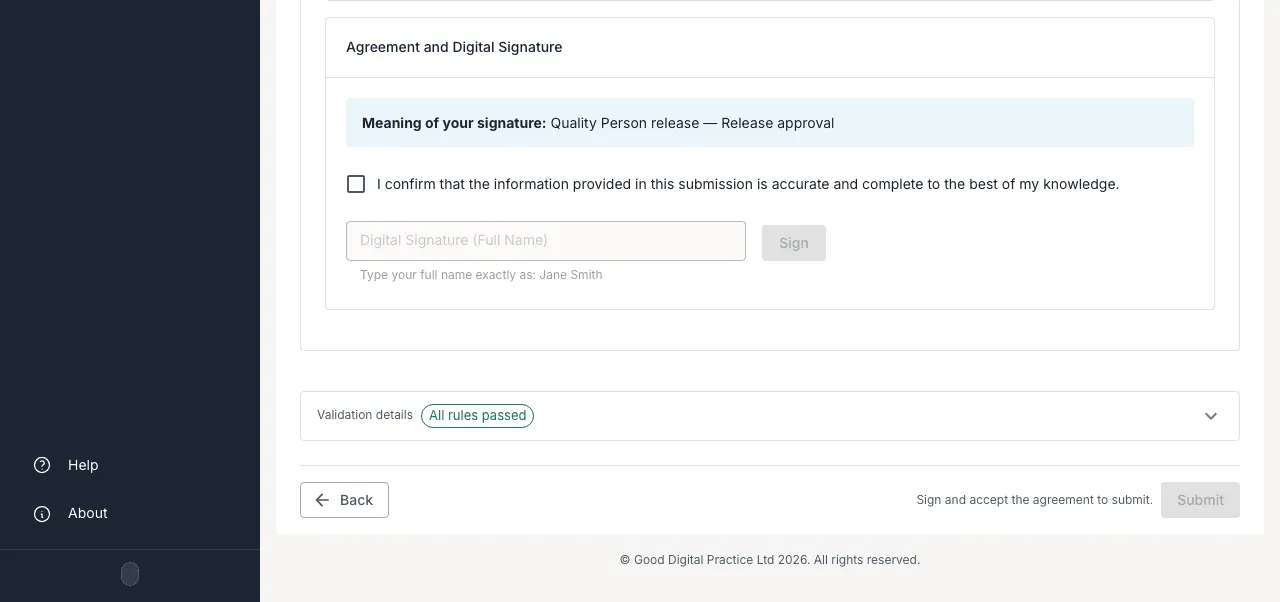
Only the QP can submit. The Admin and the other working roles can follow a certificate through submission, but they never see Submit. A person named as the signer of a non-authorising step in a signing workflow can sign that step, but can’t submit either. See Who can sign and release.
What happens after Submit
Section titled “What happens after Submit”flowchart TD A["Approved for Submission"] -->|QP selects Submit| B["Submitting: final validation check"] B -->|an error rule now fails| V["Validation Failed"] B -->|checks pass| C["Output produced and sealed"] C -->|output can't be produced| O["Output generation failed"] C -->|no signing key available| H["Submitting: release on hold"] H -->|key available again| C C --> T["Sent through the submission channel"] T -->|receiver confirms| P["Pass"] T -->|receiver rejects or can't be reached| F["Fail"] F -->|Retry Channel Submission| T P --> S["Archival copies to storage channels"]
The labels in the boxes are the status chips you see on the certificate. In order:
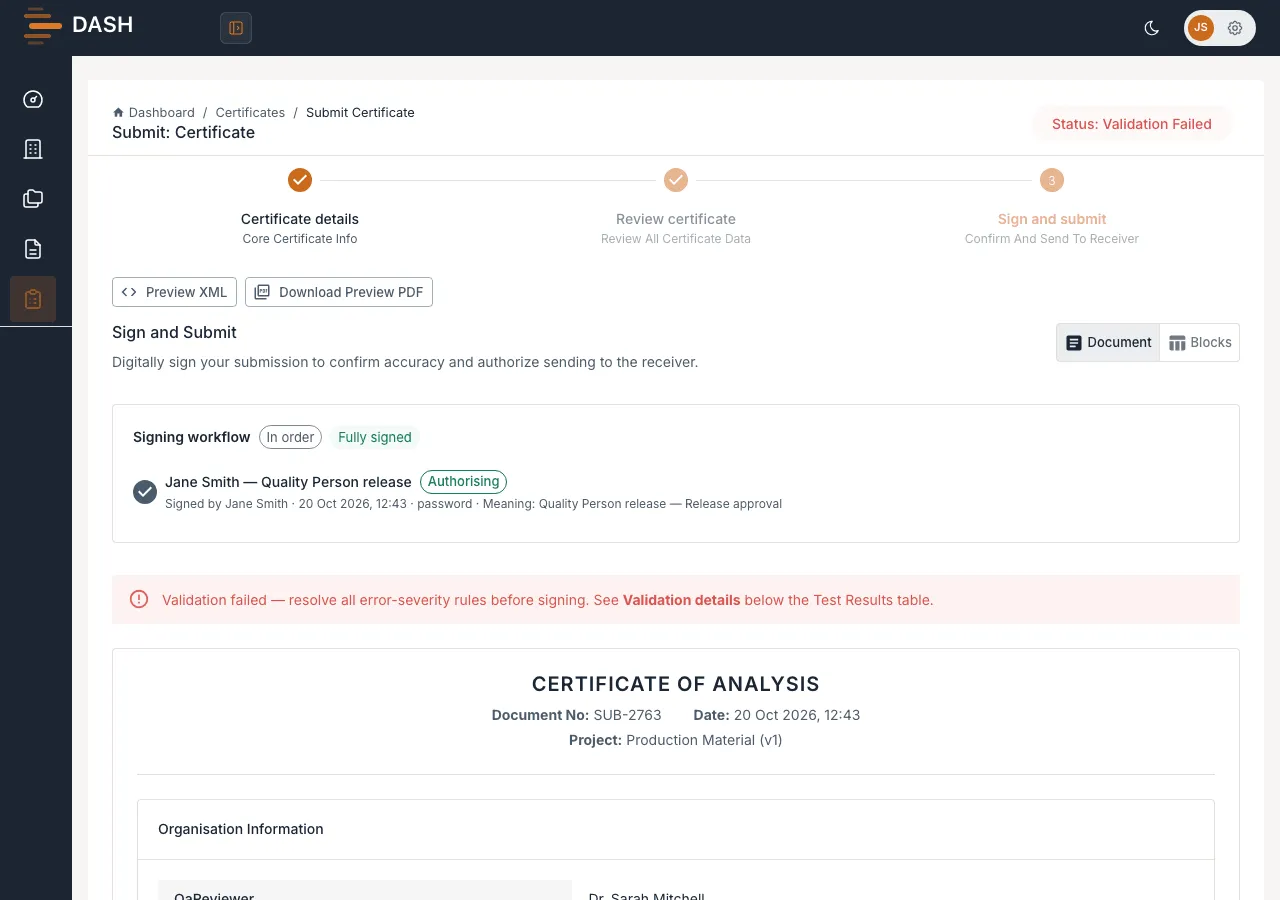
- Final validation check. DASH runs every error-severity validation rule again at the moment of release, even though they passed before signing. If a rule fails now, the release stops at Validation Failed and nothing is sent. See Validation failures.
- The output is produced. The released document is built from exactly the data that was reviewed and the signature that was applied. It carries the name of the signer who released it. If the document can’t be produced, the certificate stops at Output generation failed and nothing is sent.
- The output is sealed. DASH seals the released output with the platform’s signing key. If no key is available, the release waits and carries on automatically later. See Sealed PDF and long-term validity.
- The output is sent. DASH delivers it through the certificate’s submission channel. If no external channel was chosen, the built-in DASH (Manual) channel is used, which completes inside DASH with no external send. See Channel routing.
- The receiver decides the outcome. The certificate settles at Pass when the receiving channel confirms delivery and at Fail when it reports a failure. A failed send can be retried. See Retry a failed transmission.
- Archival copies are filed. After a pass, DASH sends a copy to each of the Material’s storage channels. These copies are best effort, so a failed copy never changes the Pass. See Archival copies.
What DASH guarantees about the released record
Section titled “What DASH guarantees about the released record”- It is the record that was approved. The output contains the reviewed data and the applied signature, nothing else. Retries and archival copies re-send that same stored output. DASH never produces it a second time.
- It can’t leave unsealed. Only an output whose seal is on record is sent, re-sent or archived.
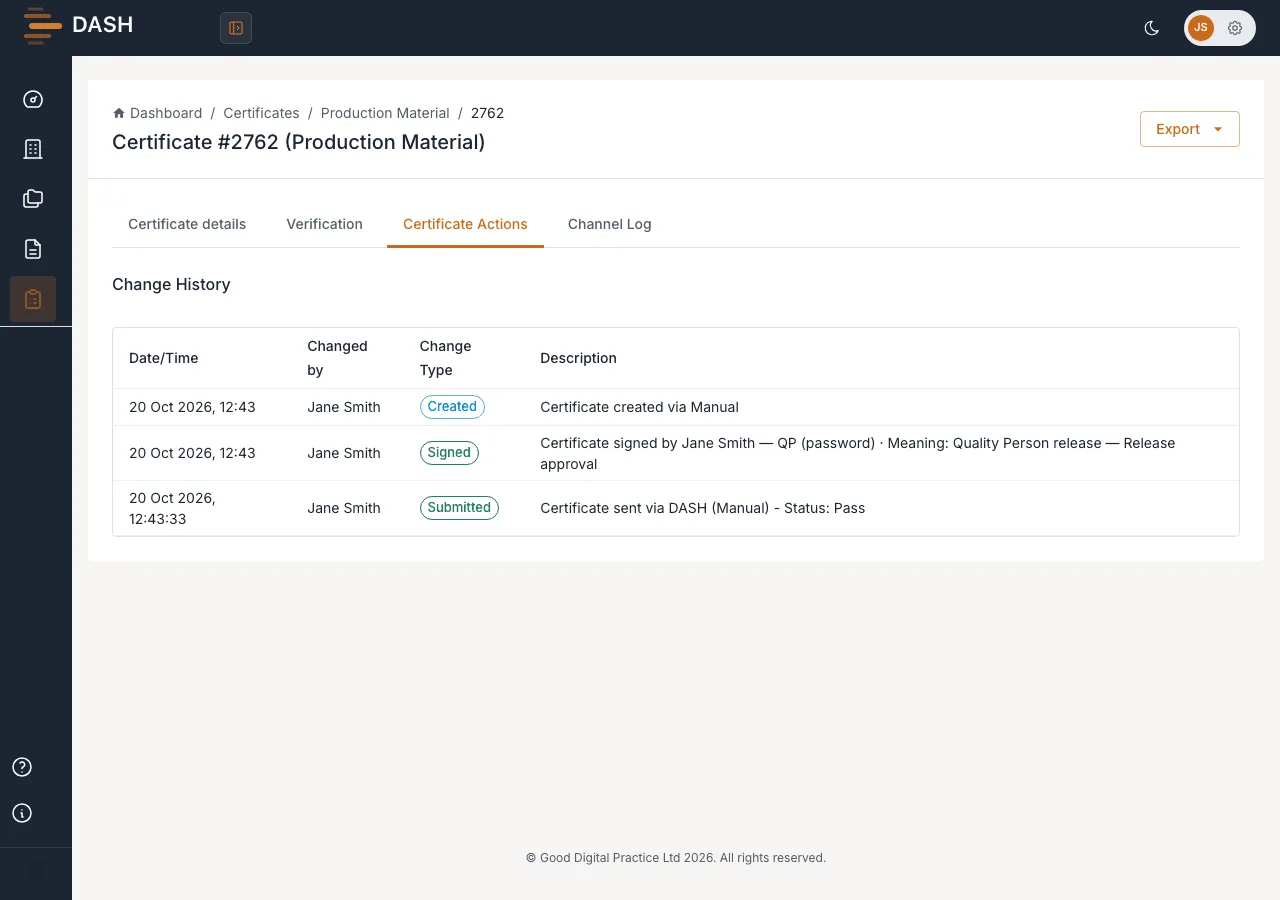
- Every step is recorded. The certificate’s Certificate Actions tab shows the signature and the submission. The Channel Log tab shows every delivery attempt. See Transaction log.
- It is counted once. A released certificate counts once towards Certificates released in your plan usage, when it first passes. Retries and archival copies never count again. See View your plan and usage.
- A subscription problem never blocks a release. Your plan is checked at the first signature. After that, neither Submit nor a retry is refused for a subscription reason. See Regulated release gate.
Certificates that arrive automatically
Section titled “Certificates that arrive automatically”Certificates acquired from a source channel go through exactly the same review, signing and submission path. DASH emails the people who can review them when new ones arrive. See Review auto-acquired certificates.