

Regulated release and your plan
Regulated release is the step that turns a prepared certificate into a released, signed record: previewing its output, and the first signature that commits it to release. It is a feature of your plan, shown on Plan & Usage as Regulated certificate release. Every new account starts on the Free plan, which doesn’t include it. Everything else in DASH is open to you while you set up.
What you can do without regulated release
Section titled “What you can do without regulated release”On a plan without regulated release, you can explore and configure the whole platform and prepare your data:
- invite your team and set up roles, SSO and account settings;
- create Organisations, Materials, Definitions and Definition Maps;
- configure data channels, including submission, storage and source channels;
- create certificates, upload source data, and review and validate it;
- send certificates for approval and set up signing workflows.
Your plan’s limits and other features still apply. For example, a connector your plan doesn’t include can’t be used. See Limits and features.
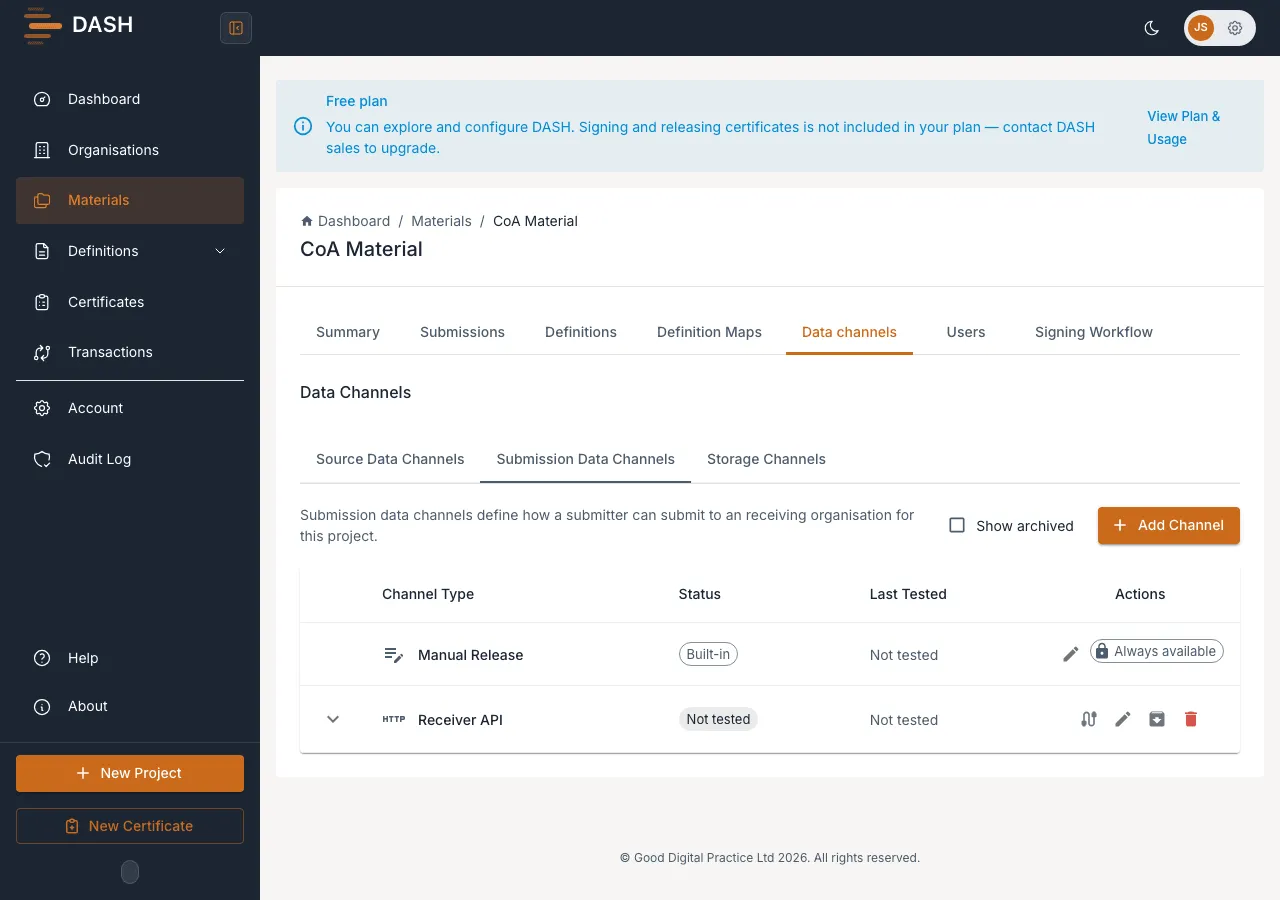
How you know: the plan notice
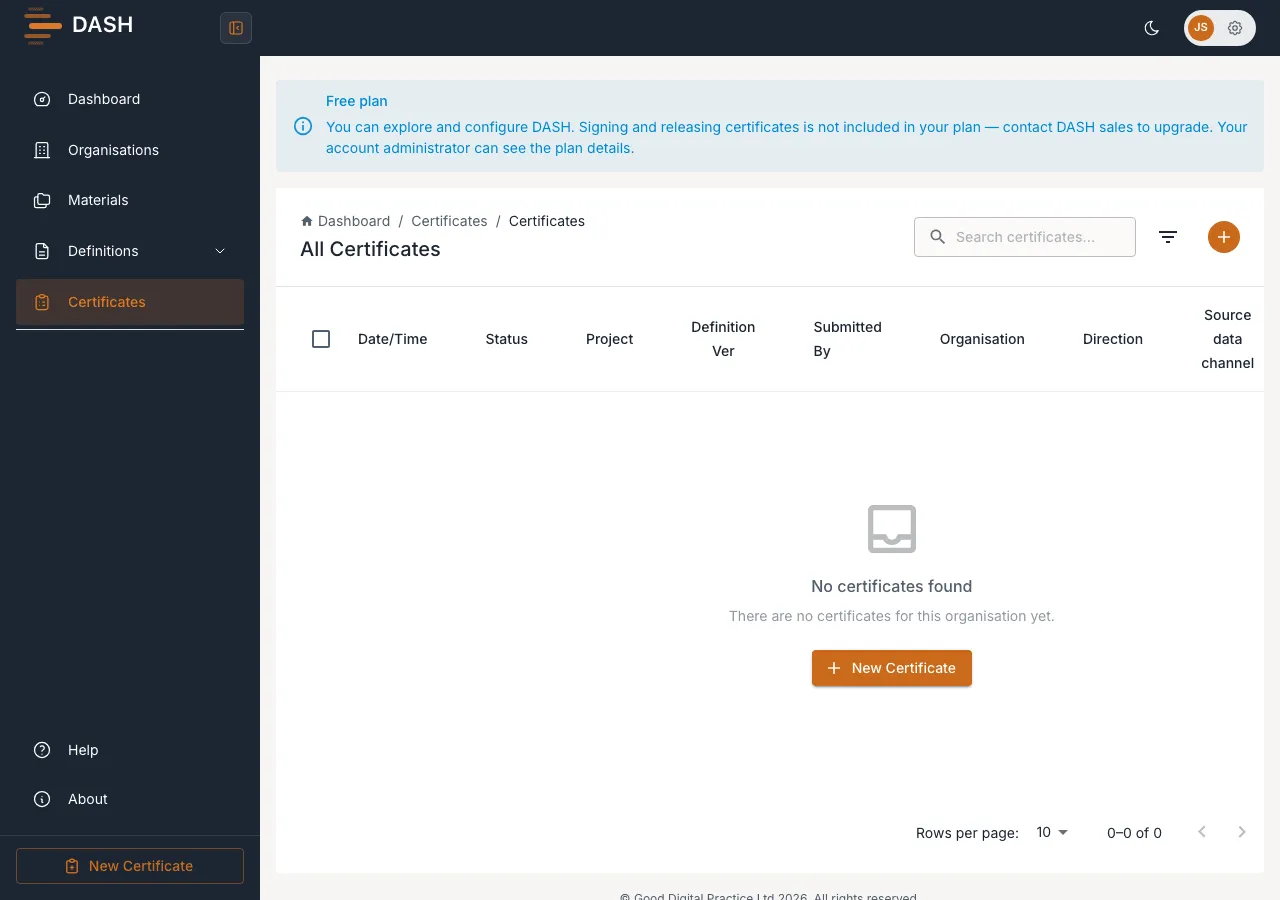
Section titled “How you know: the plan notice”While your plan doesn’t include regulated release, a notice appears at the top of every page for every member. It is headed with your plan’s name, for example Free plan, and begins “You can explore and configure DASH.” It then says that signing and releasing certificates is not included in your plan, and that you can contact DASH sales.
- Account administrators also see View Plan & Usage, which opens the Plan & Usage tab.
- Other members are told “Your account administrator can see the plan details.”
The three gated actions
Section titled “The three gated actions”Only these three actions need a plan that includes regulated release, and an active subscription:
- Previewing a certificate’s machine-readable output with Preview XML.
- Marking a mapped value as a date so DASH converts it to the Material’s output date format during certificate review.
- Applying a certificate’s first signature. This is the moment a release begins.
If you try one of these, DASH refuses with “Regulated certificate release is not included in your subscription. Please contact DASH sales to add it.” On the Sign step, the signature form also says “Signing and releasing certificates is not included in your subscription. Please contact DASH sales to add it.”, and Sign stays unavailable.
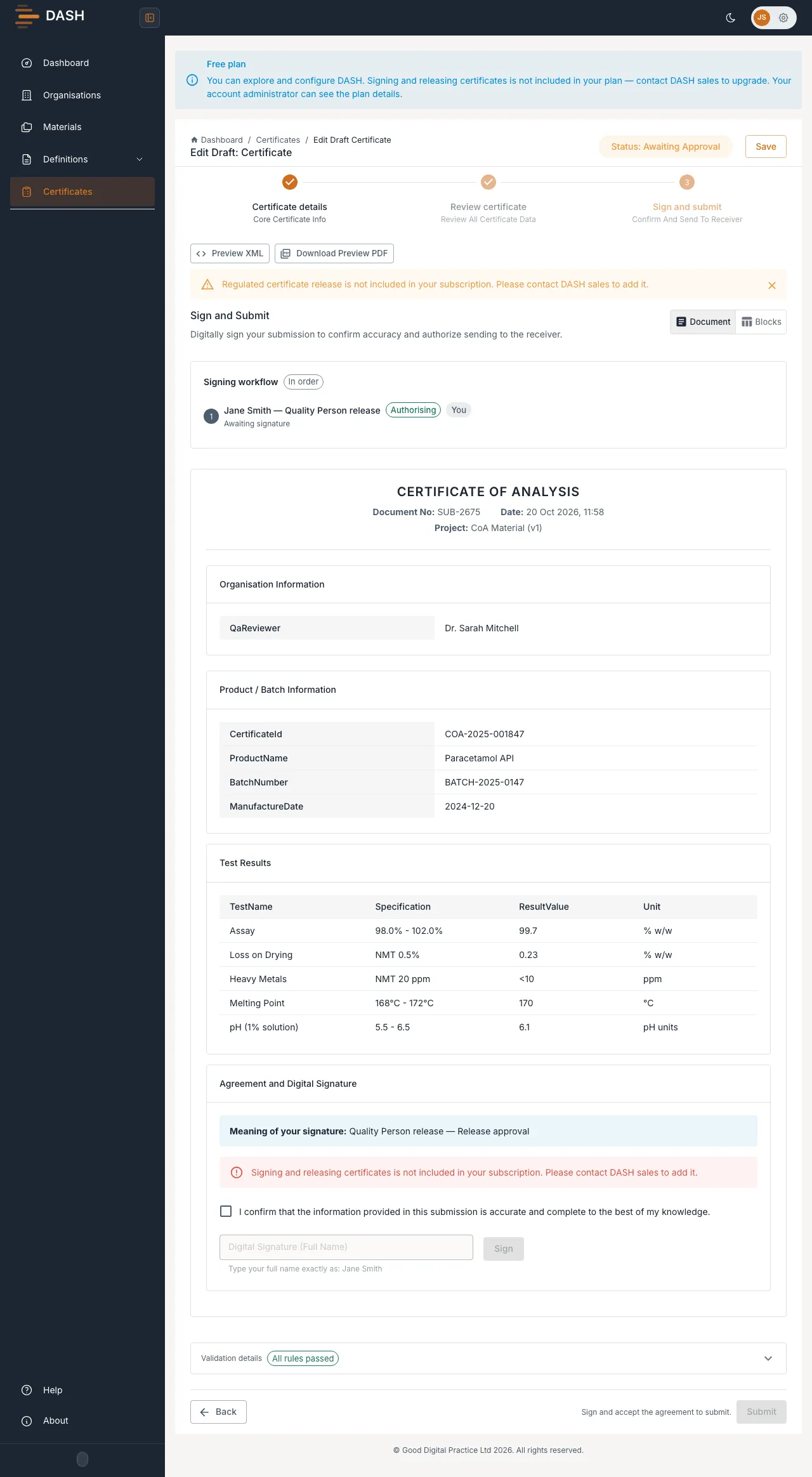
Download Preview PDF is not one of the gated actions. It gives an unsigned preview marked as not released. See Output XML and PDF.
What is never blocked
Section titled “What is never blocked”- Submission and retry. DASH never refuses to submit a signed certificate, or to retry a failed transmission, for a plan reason.
- A release that has begun. The plan is checked once, at the first signature. After that, later signatures in a workflow, submission, sealing and delivery always go ahead, even if the plan or subscription changes in the meantime.
- Data channels. Not having regulated release never stops you configuring data channels. Channels are blocked only while a subscription is suspended or ended. See Subscription status.
The plan and the role are both needed
Section titled “The plan and the role are both needed”Regulated release on your plan doesn’t let anyone sign. Signing still needs signing authority: only a Quality Person (QP) can sign the release step, and a named signer can sign only their own non-authorising step in a signing workflow. Equally, a QP can’t sign on a plan without regulated release. See Signing authority.
| Plan includes regulated release | Plan doesn’t include it | |
|---|---|---|
| QP, or a named signer of a workflow step | Can sign | Refused: not included in your subscription |
| Anyone else | No signature form is offered | No signature form is offered |
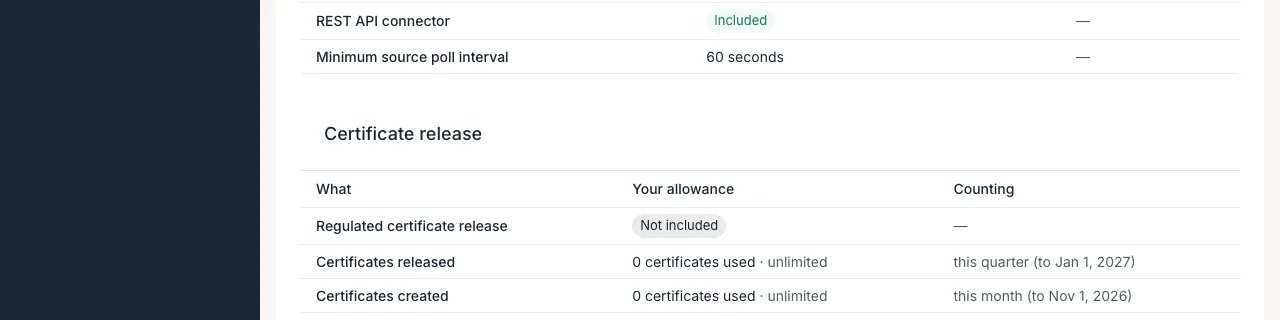
When regulated release is added
Section titled “When regulated release is added”Once DASH has moved your account to a plan that includes regulated release, the plan notice disappears, Preview XML opens the XML preview, and the QP sees the signature form on the Sign step. You don’t need to redo any set-up: everything you configured on the Free plan stays as it is.