

Revoke an API key
Revoke a key when the BI tool or report that uses it is retired, when someone who knew it leaves, or as soon as you suspect it has been exposed. From that moment, the key can’t read anything.
Revoke the key
Section titled “Revoke the key”- Select Account in the sidebar, then the API Keys tab.
- Find the key by its Name and Key prefix. If two keys share a name, the prefix tells them apart.
- Select Revoke on its row. The Revoke API key? dialog names the key and its prefix: “[key name] ([prefix]…) will stop working immediately. Any BI dashboards using it will lose access. This cannot be undone.”
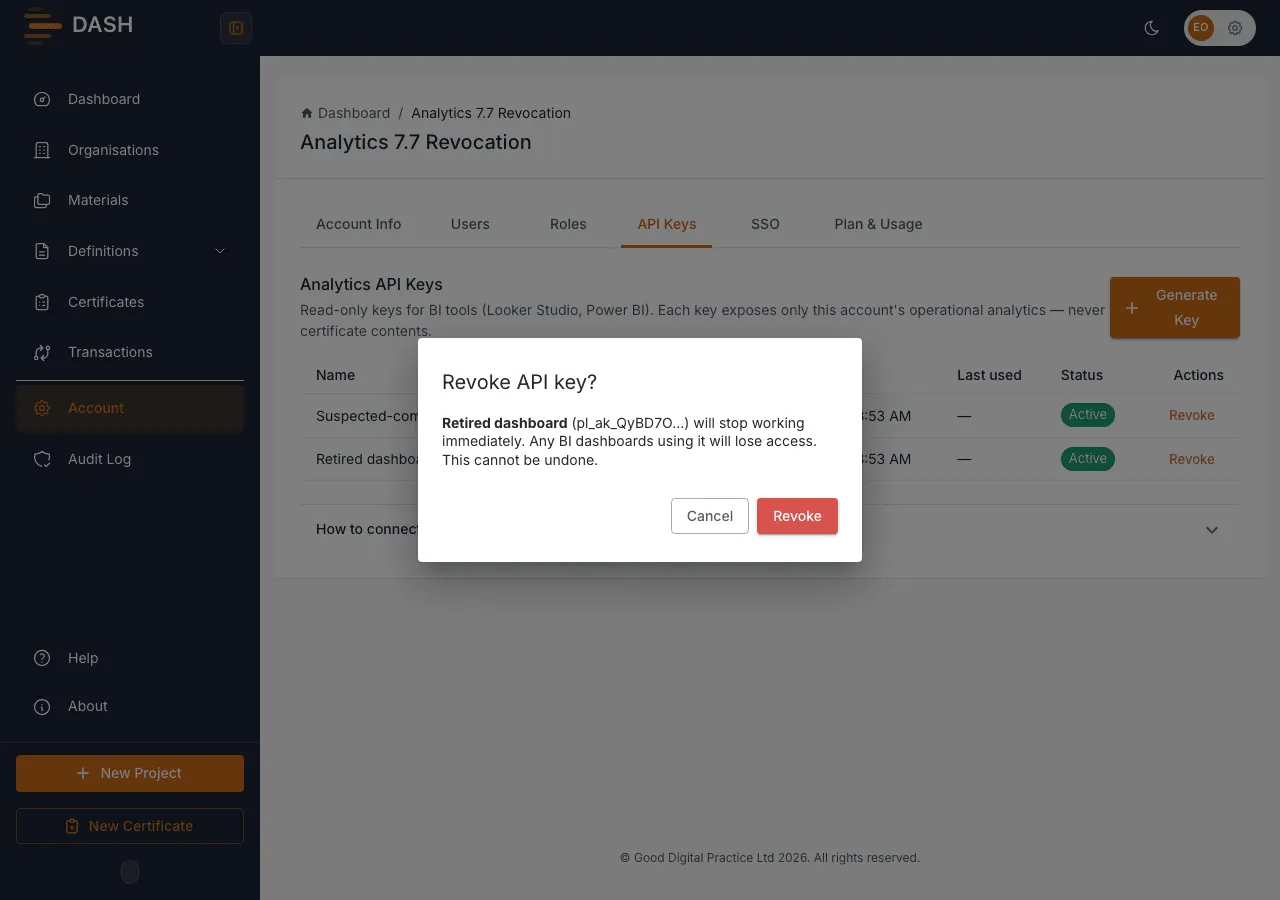
- Check that the name and prefix are the ones you mean, then select Revoke. To back out, select Cancel.
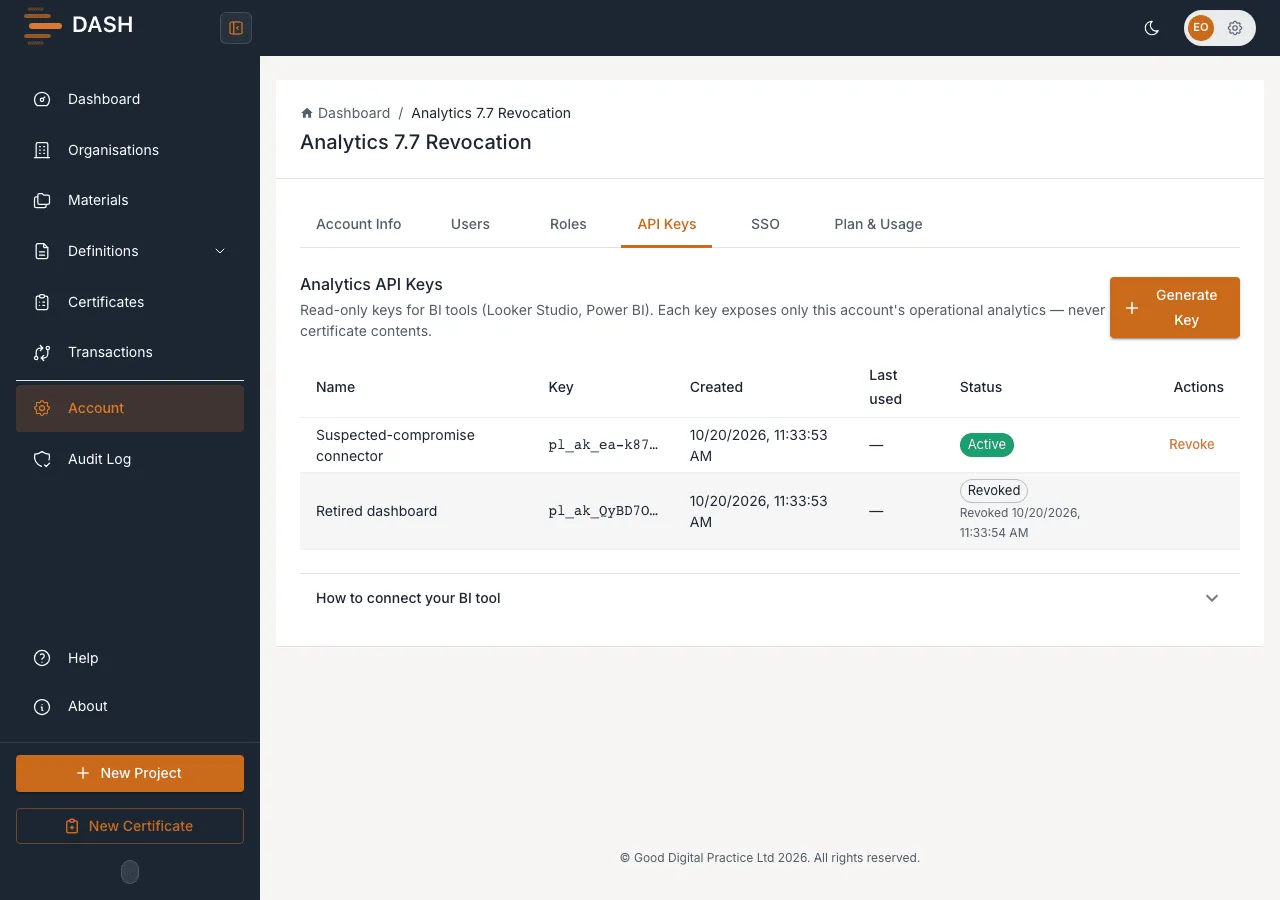
- DASH confirms “API key revoked”. The row now shows Revoked, with the date and time under the chip, and no Revoke action.
What happens to a revoked key
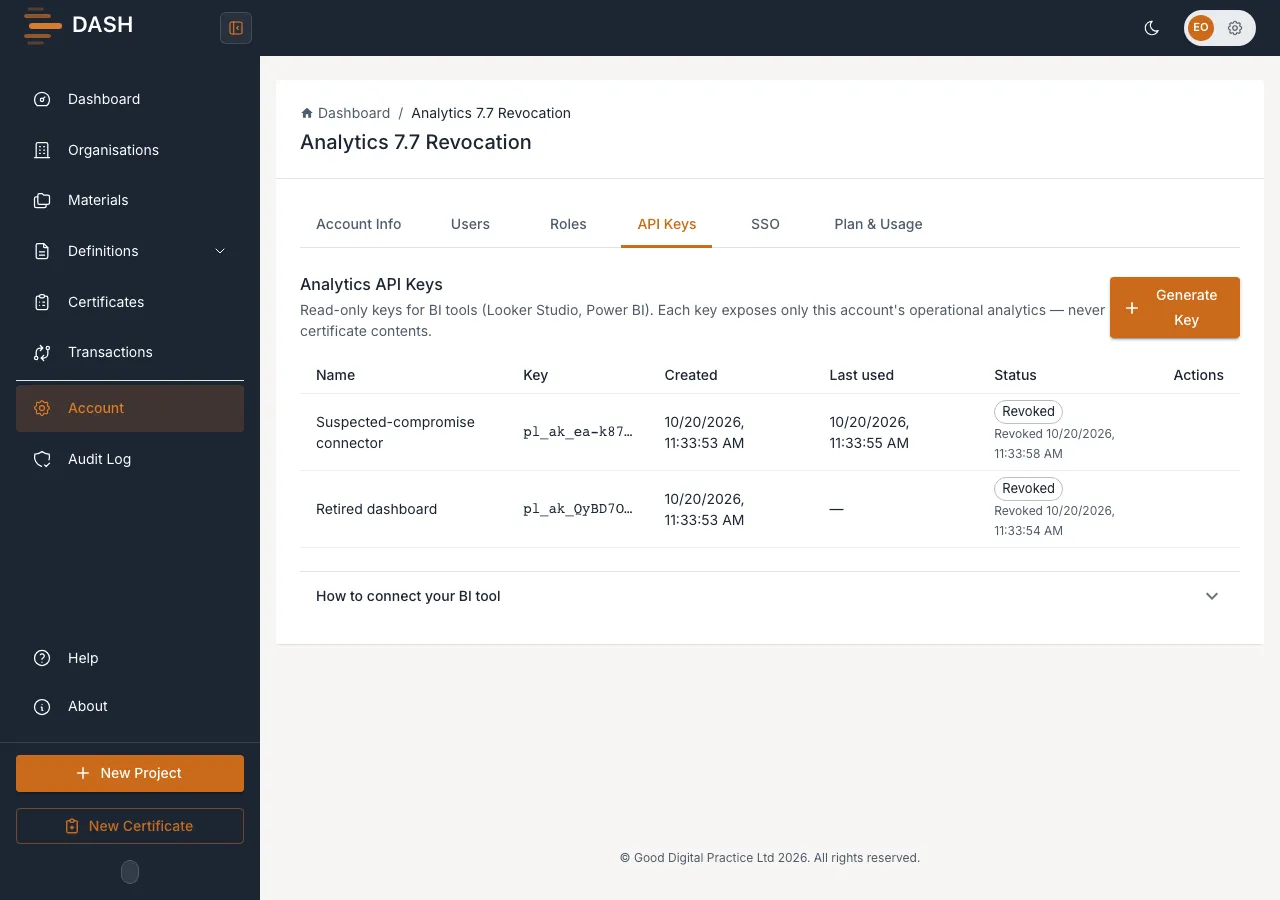
Section titled “What happens to a revoked key”- It stays on record. A revoked key isn’t deleted. It stays in the list with its name, prefix, creation time, last use and the time it was revoked, so you can always show when access was cut off.
- It is audited once. The revocation is written to the Audit Log as Analytics API Key Revoked. Revoking an already-revoked key changes nothing and adds no second entry. See Key audit trail.
- It no longer counts against your plan. If your plan limits the number of keys, only keys that aren’t revoked count.
- Other keys are unaffected. Each key is independent, so revoking one doesn’t interrupt any other integration.
When to revoke
Section titled “When to revoke”| Situation | Action |
|---|---|
| An integration or report is retired | Revoke its key. |
| A key may have been exposed (shared in email, a ticket or a screenshot) | Revoke it now, then create a replacement. |
| The key was lost, or the Copy your API key now dialog was closed before it was stored | Revoke it and create a new one. DASH can’t show it again. |
| Last used shows “—” or a date long ago | The key may be dormant. Check with its owner, then revoke it if nobody needs it. See Usage and fair use. |
Related
Section titled “Related”- Create an API key
- Analytics API overview
- Key audit trail
- Endpoints reference, for the response a revoked key receives