

Linked definitions
Definitions describe the properties and output structure of a data record. They live at the Account level, not inside a single Material — so the same Definition can be reused across many Materials. To use a Definition when creating Certificates for a Material, you link it to that Material.
Link a definition
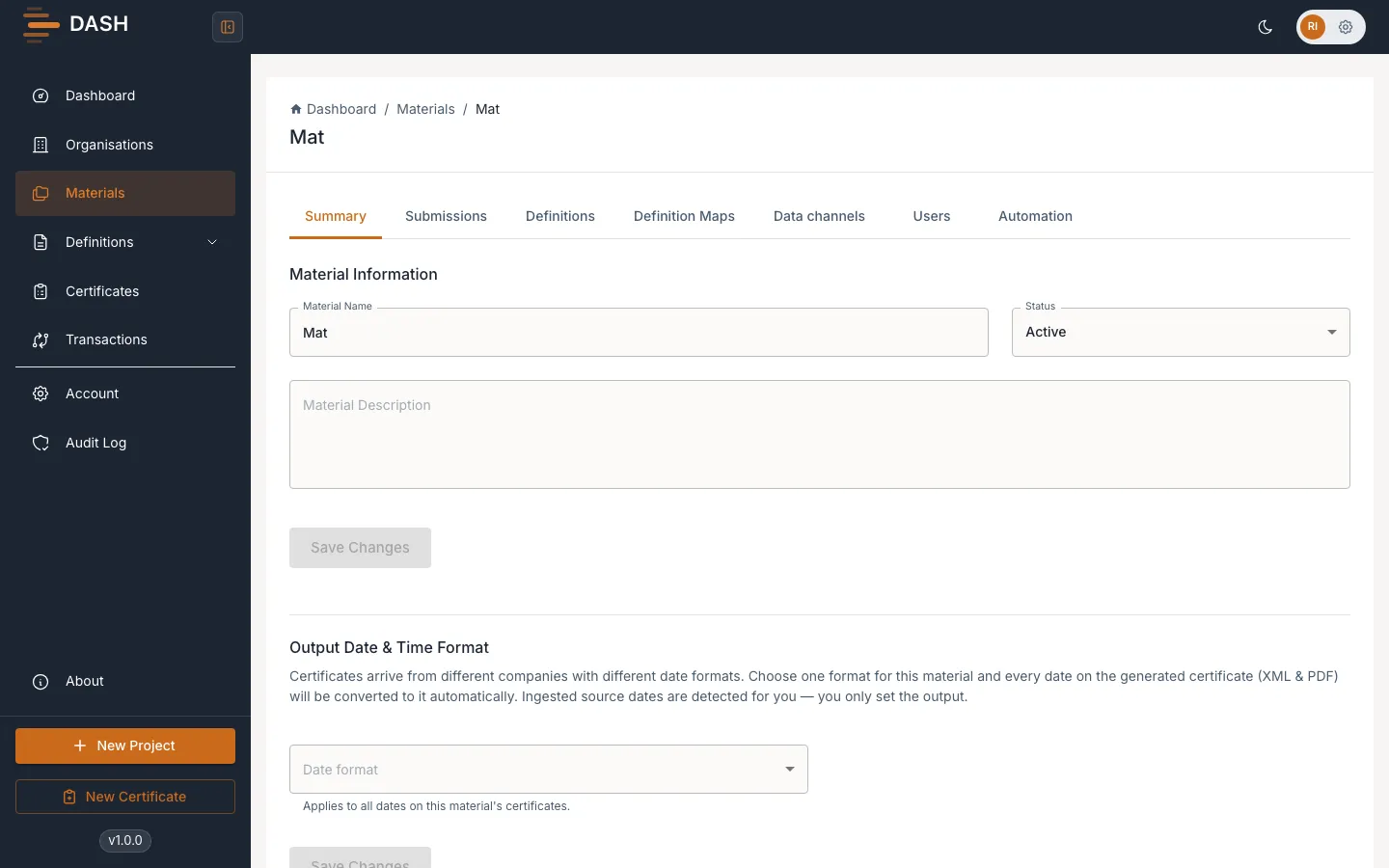
Section titled “Link a definition”- Open the Material and select the Definitions tab.
- Choose to add a Definition, then pick the account-level Definition you want from the list.
- Confirm to link it. The Definition now appears among the Material’s linked Definitions and is available when creating Certificates for this Material.
Unlink a definition
Section titled “Unlink a definition”- On the Material’s Definitions tab, find the linked Definition.
- Remove the link.
Unlinking only removes the connection between the Material and the Definition. The Definition itself is not deleted and remains available at Account level for other Materials. Likewise, if you delete a Material, its links to account-level Definitions are removed but those Definitions are kept.