

Roles & permissions
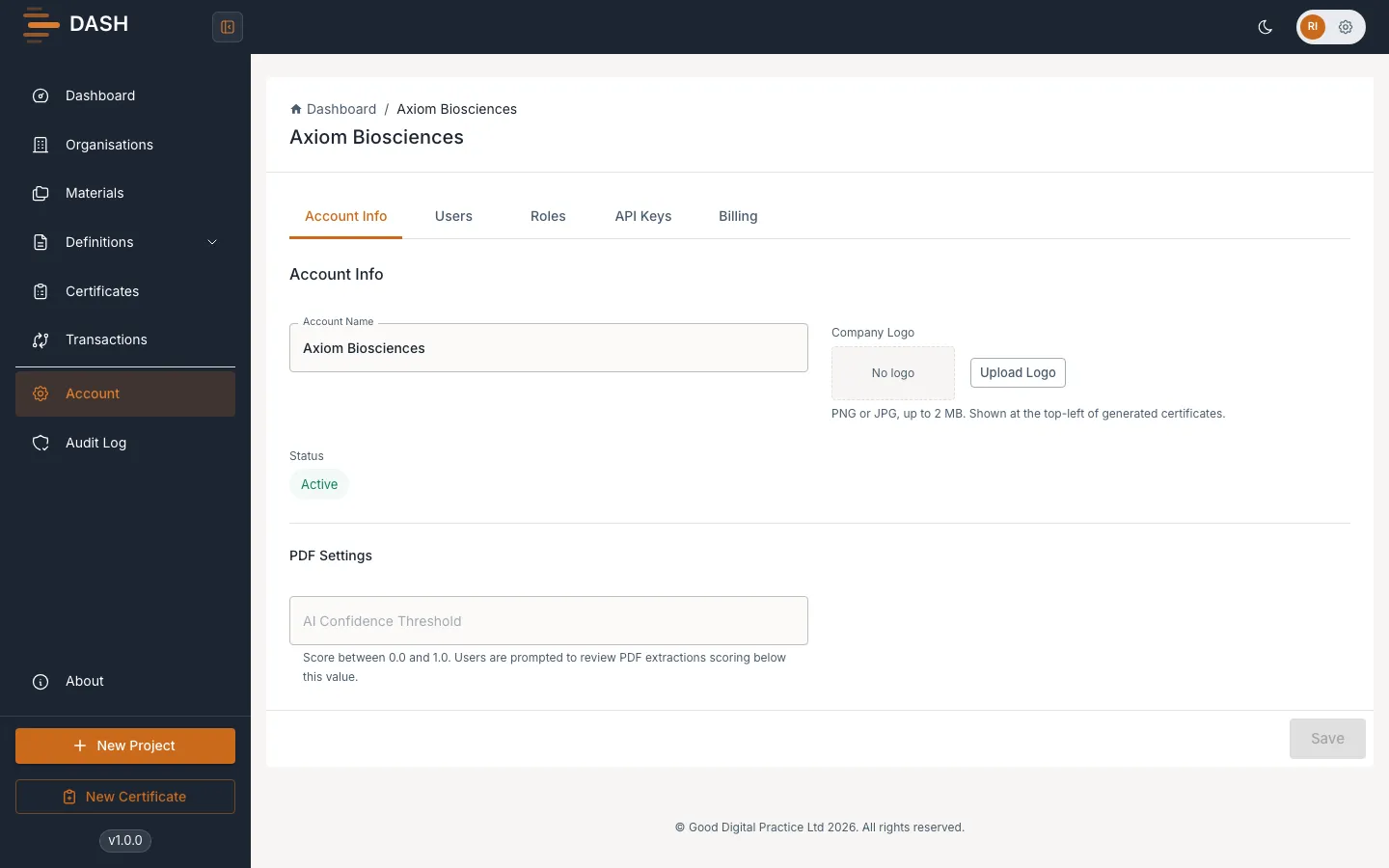
Your role decides which buttons, menus and actions are available to you in DASH. This is by design: a Technician who builds data structures sees different controls from a Quality Person who signs certificates. If an action you expect is missing or greyed out, it is almost always because your role does not grant it — not because something is broken.
This page lists what each role can do so you know what to expect and who to ask when you need something you cannot do yourself.
How permissions work
Section titled “How permissions work”Every action in DASH is gated by a permission area combined with an operation:
- Permission areas: Organisations, Materials (Projects), Definitions, Definition Maps, Submissions (certificates), Sign & Submit, and Account Admin.
- Operations: Create, Read, Update, Delete.
Your role grants a specific tick-box grid across these areas. For example, a Technician can Create/Read/Update/Delete Definitions but can only Read certificates. If you do not have an operation in an area, the matching control is hidden or disabled.
The roles at a glance
Section titled “The roles at a glance”| Role | Best summary | Can sign & submit? |
|---|---|---|
| Account Owner | Full control, plus billing and ownership transfer | Yes |
| Admin | Full control of all records and account settings | Yes |
| Project Manager | Sets up materials, organisations and SLAs; read-only on data | No |
| Technician | Builds and maintains definitions and definition maps | No |
| Submission Coordinator | Creates and prepares certificates | No |
| Quality Person (QP) | Reviews, signs and submits certificates | Yes |
Roles marked No can still do valuable work — they just hand the certificate to a QP (or Admin/Owner) for the final signature.
What each role can do
Section titled “What each role can do”Use these lists to understand your own task menu. If you belong to a role, these are the actions you should expect to see.
Account Owner
Section titled “Account Owner”The person who registered the account (or who ownership was transferred to). Holds every Admin capability, plus two owner-only actions:
- Everything an Admin can do (see below).
- Transfer account ownership to another member. See Ownership transfer.
- Manage billing and subscription. See Subscription & billing.
Full operational and administrative control of the account’s data and team:
- Create, edit and delete organisations, materials, definitions, definition maps and certificates.
- Sign and submit certificates.
- Invite, deactivate and reactivate team members and change roles. See Team management.
- View the Audit log and manage account settings.
Project Manager
Section titled “Project Manager”Focused on setting up the work rather than processing data:
- Create, edit and delete materials and SLAs.
- Read and edit organisations.
- Read-only on definitions, definition maps and certificates.
- Cannot sign or submit certificates.
Technician
Section titled “Technician”The person who builds the data structures DASH runs on:
- Create, edit and delete definitions and definition maps, including properties, field mappings and validation rules.
- Read-only on materials, organisations and certificates.
- Cannot sign or submit certificates — a Technician prepares the map, a QP signs the result.
Submission Coordinator
Section titled “Submission Coordinator”The person who turns incoming data into draft certificates:
- Create, edit and read certificates, and send them for approval.
- Read-only on materials, organisations, definitions and definition maps.
- Cannot sign, submit or delete certificates — those pass to a QP.
Quality Person (QP)
Section titled “Quality Person (QP)”The quality gate who releases certificates:
- Read and edit certificates, and sign and submit them. See Sign a certificate and Submit & track.
- Read-only on materials, organisations, definitions and definition maps.
- Cannot create or delete definitions, maps or materials.
When an action is missing
Section titled “When an action is missing”If a button is greyed out or a menu item is absent:
- Check your role using the summary above — the action may simply not be part of it.
- If you genuinely need the action, ask an Admin or the Account Owner to either perform it for you or change your role.
- If your whole account is on a trial, signing, submitting and generating XML are disabled for everyone until you upgrade. See Trial limits.