

Signature notifications
When a certificate is waiting for your signature, DASH sends you an email reminder so it doesn’t get overlooked. The reminder is a convenience only: it doesn’t sign anything, and signing works exactly the same whether or not you received it.
When you get a reminder
Section titled “When you get a reminder”DASH queues a reminder when a certificate starts waiting for a signature:
- when someone uses Send to Approver on it, or
- when a signing workflow moves on to a step that still needs its signer.
Who receives it
Section titled “Who receives it”| Material set-up | Who is reminded |
|---|---|
| Signing workflow | The person named on each step that can be signed now. In a sequential workflow that is only the next signer; in an any-order workflow, every signer who hasn’t signed yet. |
| No workflow | The members of the account who hold the Quality Person (QP) role and can access the Material. |
Someone who has already signed their step isn’t reminded about that certificate again.
What the email looks like
Section titled “What the email looks like”DASH gathers reminders for a few minutes and sends one email per person, so a burst of new certificates arrives as a single message. The subject reads “DASH — N certificate(s) awaiting your signature”. The email lists the Materials involved and has a Review & sign certificates button.
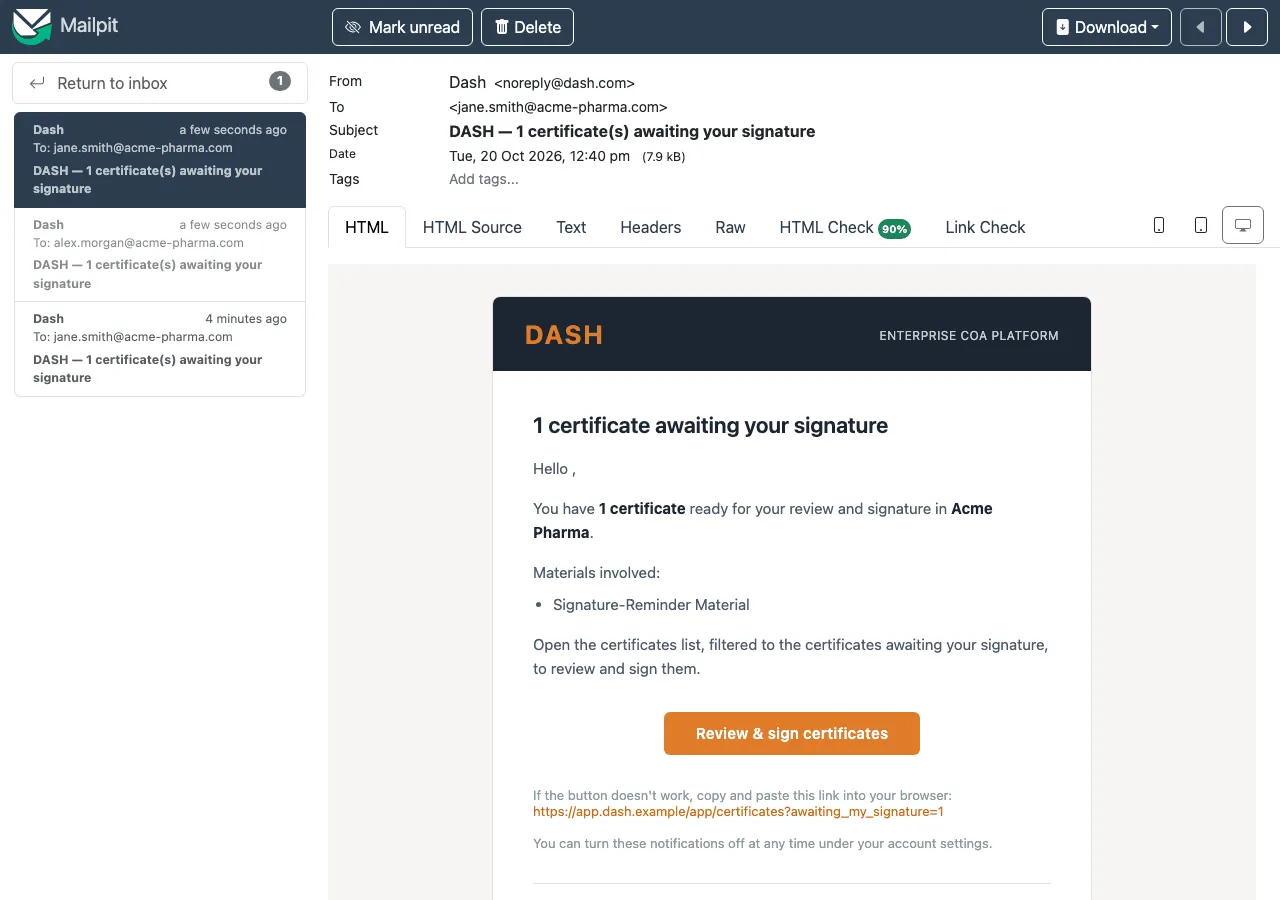
Before it sends, DASH checks that each certificate is still waiting (Awaiting Approval or Signing In Progress). Certificates that were signed, sent back to draft or otherwise moved on in the meantime aren’t counted, and if none remain, no email is sent.
Open the certificates waiting for you
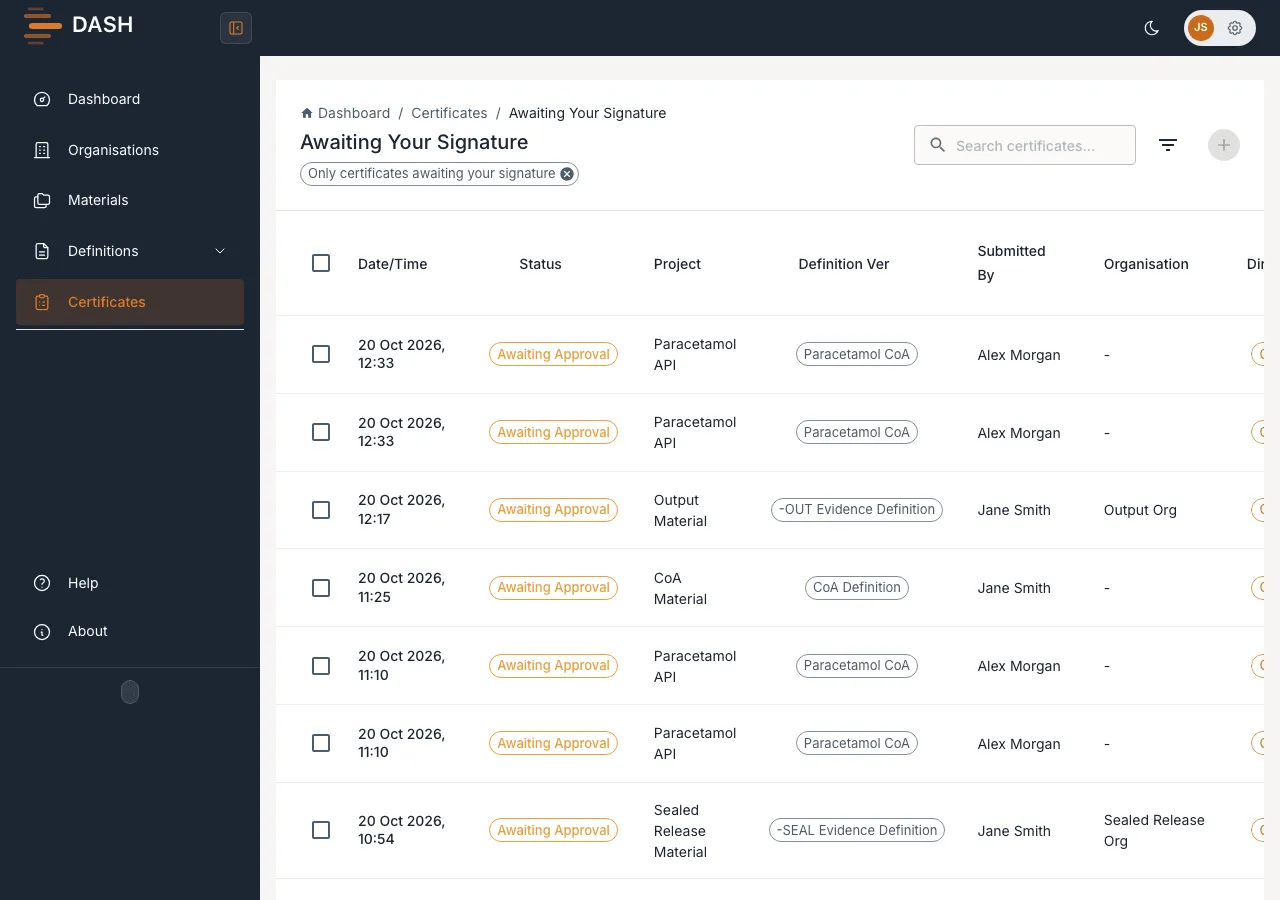
Section titled “Open the certificates waiting for you”Select Review & sign certificates in the email. DASH opens Certificates filtered to Awaiting Your Signature, with the chip Only certificates awaiting your signature. Select a certificate to sign it (see Sign a certificate). Remove the chip to see all certificates again.
Signing doesn’t depend on the email
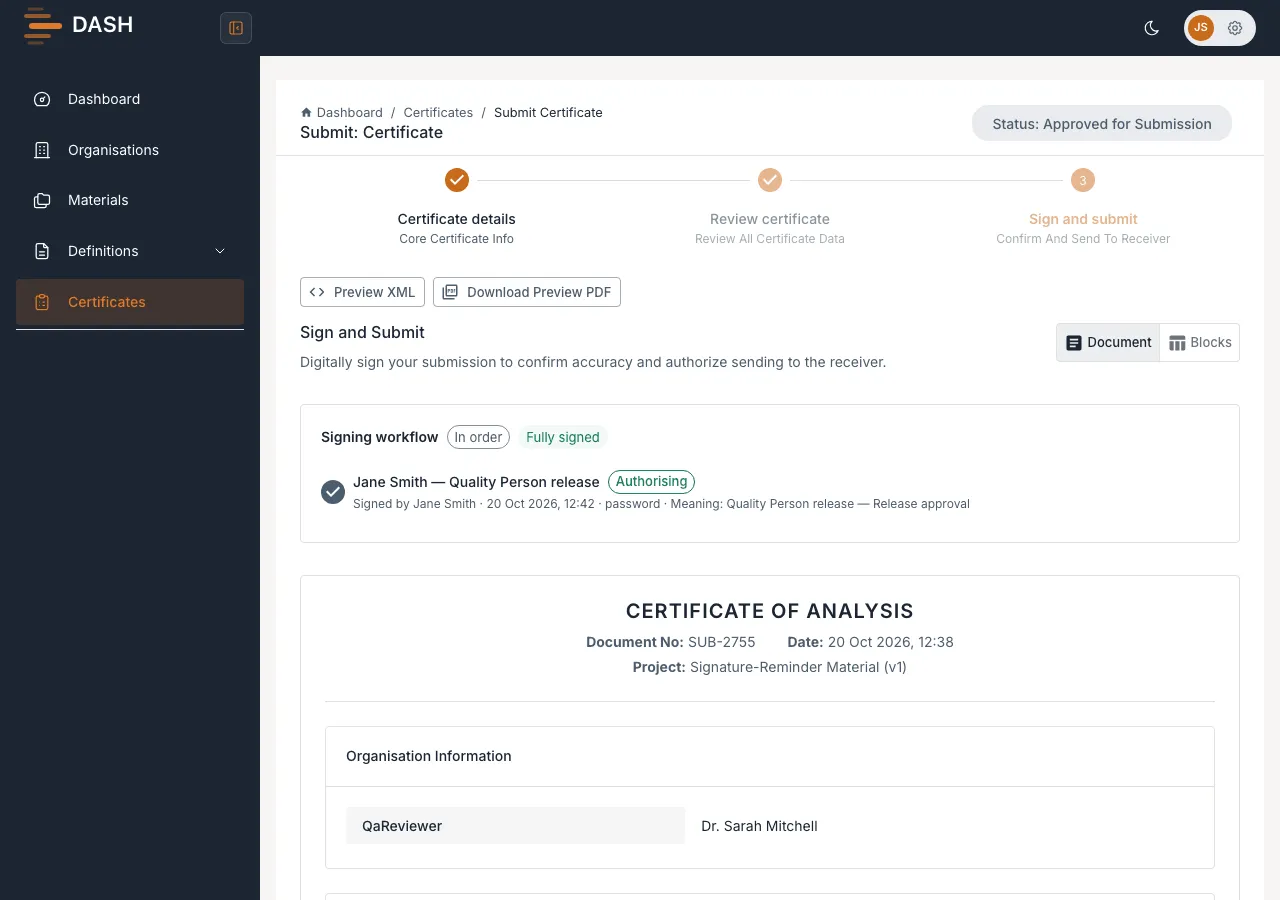
Section titled “Signing doesn’t depend on the email”- You can sign a certificate that never triggered an email, or whose email failed to arrive. The signature is just as valid.
- An email can’t authorise anything. You still need signing authority, and you still confirm your identity when you sign.
- If an email doesn’t arrive, nothing is blocked: check Certificates yourself.
Turn reminders off or on
Section titled “Turn reminders off or on”Each person controls their own reminders. Open your avatar → User Settings → Security, and under Email Notifications switch Email me when a certificate needs my review or signature off or on. The same switch also controls the review reminders for auto-ingested certificates. See Notification preferences.