

Submission channels
A submission channel is the outbound destination a signed certificate is transmitted to. Each material has one or more submission channels, and each certificate picks the submission channel it will use. When you submit a certificate, DASH generates the output and sends it through this channel.
The submission channel kinds
Section titled “The submission channel kinds”A submission channel is one of the four channel kinds:
- Email (CHANNEL-001) — the output is emailed to the recipient.
- API (CHANNEL-002) — the output is transmitted to a partner API, such as the GSK vendor API, Veeva Vault or SharePoint.
- DASH Manual (CHANNEL-004) — the internal, built-in channel. It is a no-op destination used as the fallback when no external submission channel is configured, so a submission never fails for the want of a channel.
1. Add a submission channel
Section titled “1. Add a submission channel”- Open the material and go to its Data Channels section.
- In the submission group, add a channel.
- Give it a name, choose its kind (Email or API), and enter its configuration and any credentials. See Enter credentials & test connectivity.
- Save the channel.
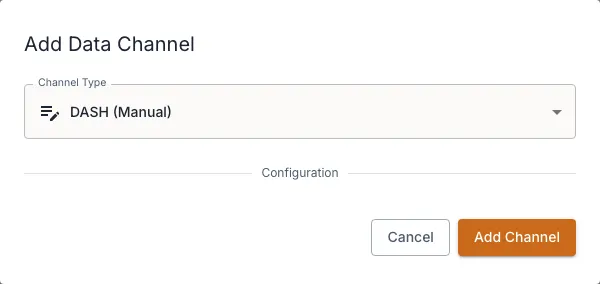
2. Choose the channel on a certificate
Section titled “2. Choose the channel on a certificate”When you create or edit a certificate, the Certificate Data Channel field lists the material’s submission channels. DASH pre-selects the built-in DASH (Manual) channel if you have not chosen an external one. See Create a certificate.
How transmission works on submit
Section titled “How transmission works on submit”When you submit a signed certificate, DASH runs a background chain:
- Generate XML — the output is rendered.
- Transmit — the output is sent to the certificate’s submission channel (Email, API, or Manual).
- Storage push — a copy is pushed to any storage channels (best-effort). See Storage channels.
You can follow this on the certificate record and the Channel Log. See Submit & track status.