Import properties
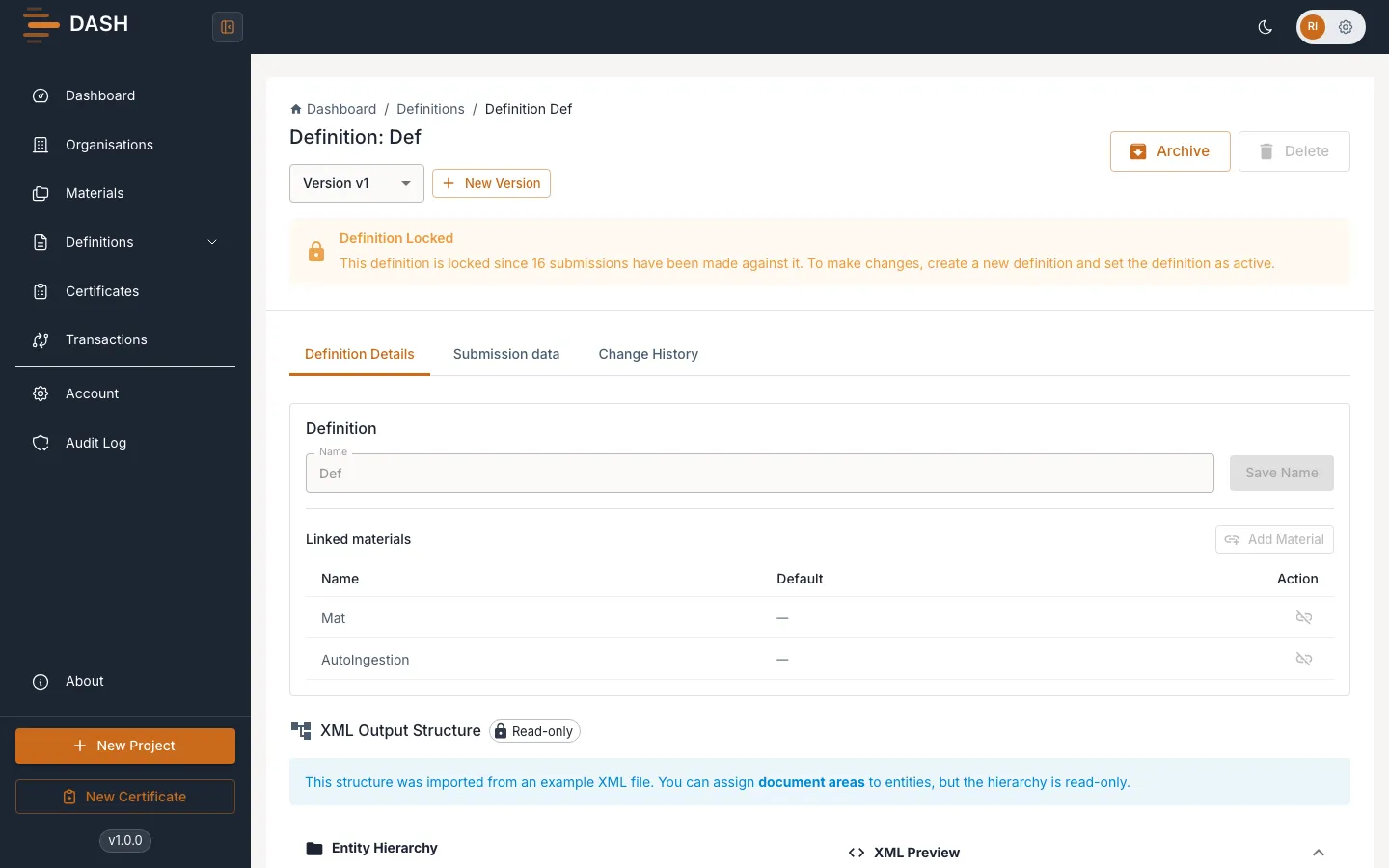
Instead of adding every property by hand, you can let DASH build them for you from a sample file. Import a CSV to create one property per column, or an XML structure file to reproduce a nested hierarchy of entity and value properties. The import runs as a background job, so a large file won’t hold up the page.
What each import type produces
Section titled “What each import type produces”- CSV import — DASH reads the file’s columns and creates one property per column.
- XML-structure import — DASH parses the document into a nested hierarchy of entity and value properties, so structured output is reproduced automatically.
Import from a sample file
Section titled “Import from a sample file”- Open the definition (it must have no properties yet) and stay on the Definition Details tab.
- Drag your file onto the upload area, or select it to browse. The area prompts you to “Upload an example XML file from your customer and we’ll auto-detect the definition structure.”
- DASH starts the import in the background. While it runs you’ll see a status such as “Importing XML structure…” with the note “Parsing your file and building the definition. This may take a few seconds.”
- When the job finishes, the generated properties appear in the list. Review them and adjust names, types and units as needed — see Add & manage properties.