

Sessions and signing out
Once you have signed in, DASH keeps you signed in as you work. Your session lasts until you sign out, until it expires, or until DASH ends it to protect you. This page explains each case.
Staying signed in
Section titled “Staying signed in”You sign in once. After that you can move between Certificates, Materials, the Audit Log and every other page without entering your password again.
DASH renews your session quietly in the background while you are working, so you are not interrupted or asked to sign in again in the middle of a task. A session that has not been used for a long time expires, and you then sign in again.
Sign out
Section titled “Sign out”Sign out whenever you finish working, and always on a shared computer.
- Select your avatar in the top-right corner. The profile menu opens, showing your name and the role you hold in the current account.
- Select Logout.
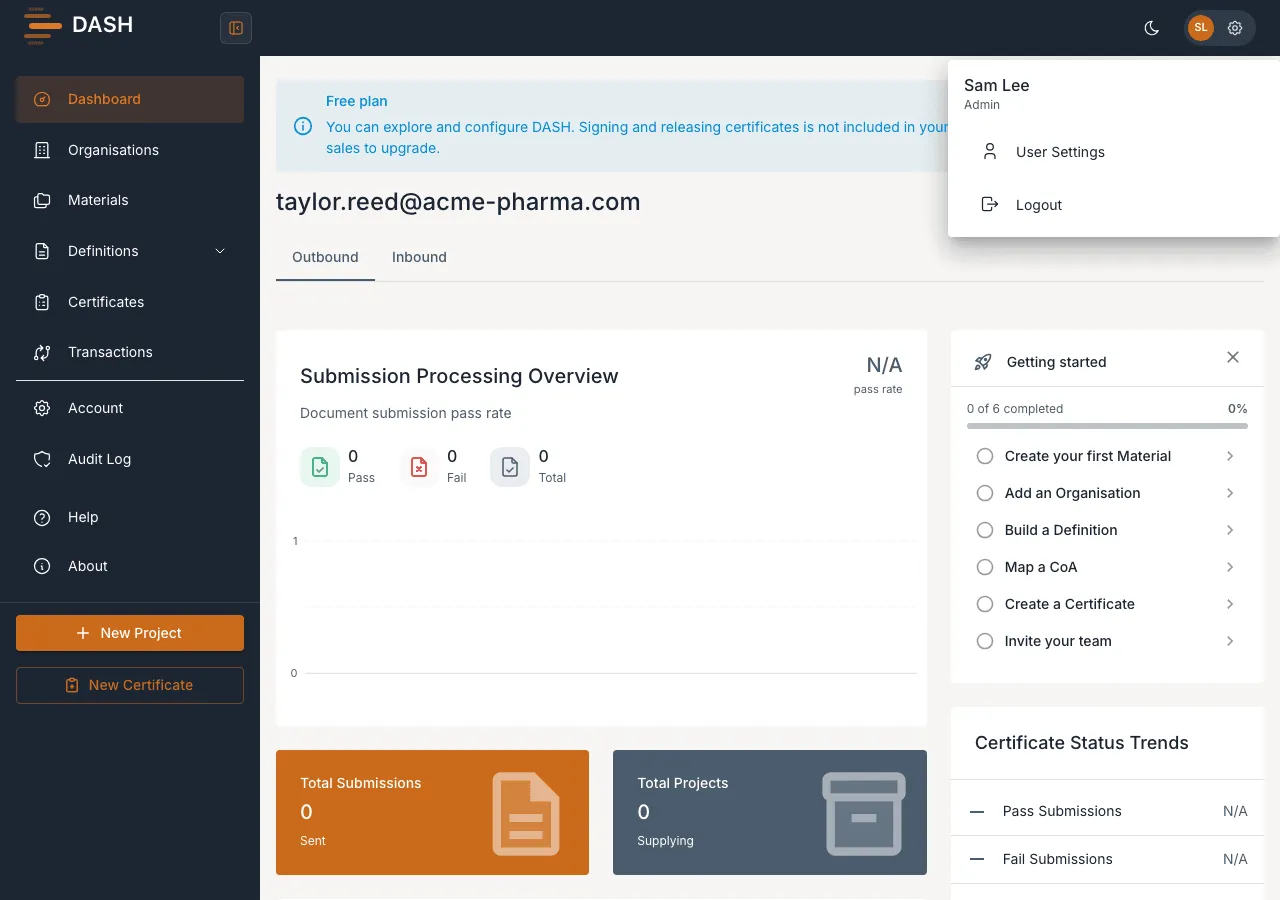
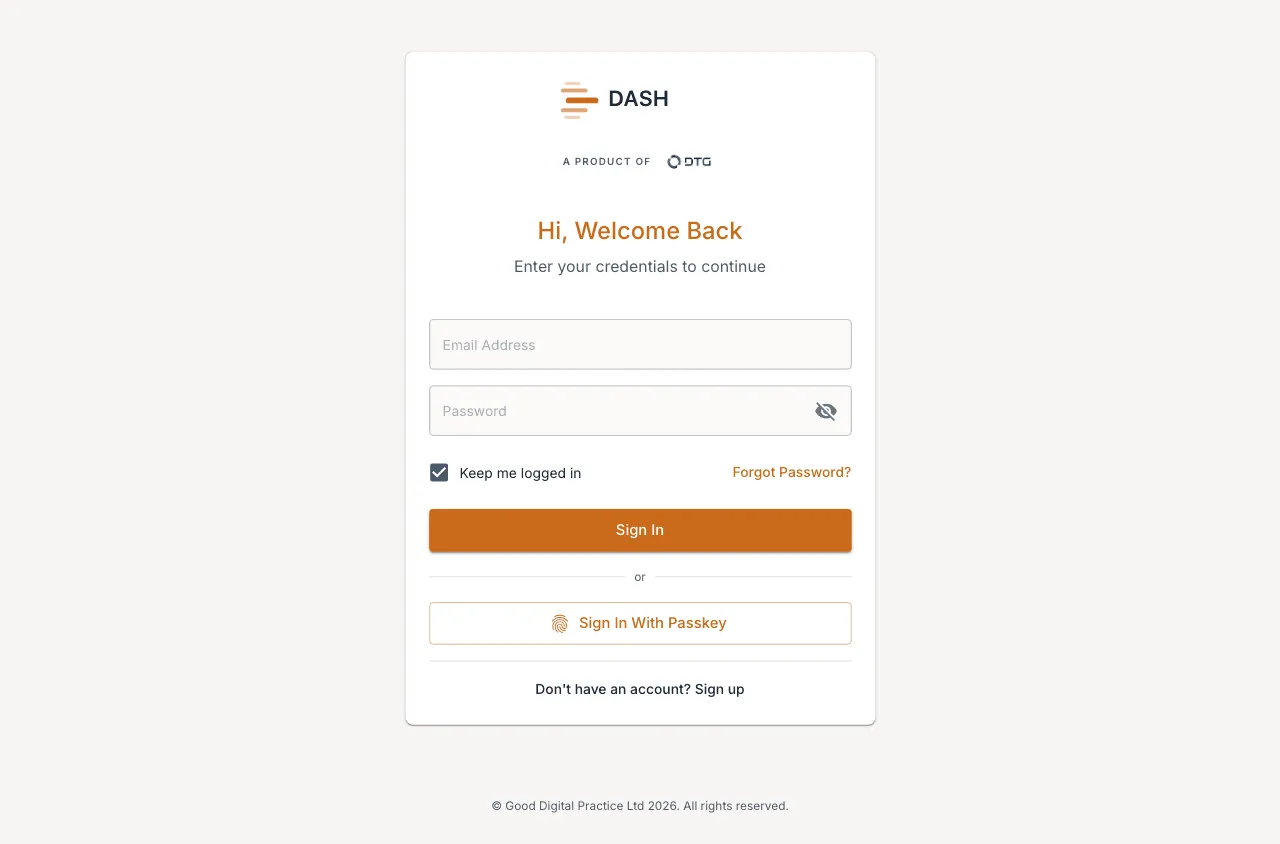
DASH ends the session at once and returns you to the sign-in page. Opening a DASH page afterwards, even with the browser’s back button or a bookmark, brings you back to the sign-in page. Your sign-out is recorded as Logout in the audit log.
Using several devices
Section titled “Using several devices”You can be signed in on more than one device or browser at the same time, for example your desktop at work and a laptop in the lab. Each session is independent: signing out on one device does not sign you out on the others. Sign out on each device separately.
When DASH ends your session
Section titled “When DASH ends your session”DASH ends sessions without you signing out in these cases:
| What happened | What DASH ends |
|---|---|
| You set a new password through password reset | Your sessions on every device |
| An administrator deactivated you in an account | Your access to that account, at once. Your other accounts are not affected |
| DASH detects that a session has been stolen and replayed | All your sessions, on every device |
In each case your next action takes you to the sign-in page, and you sign in again as normal.
Stolen-session protection
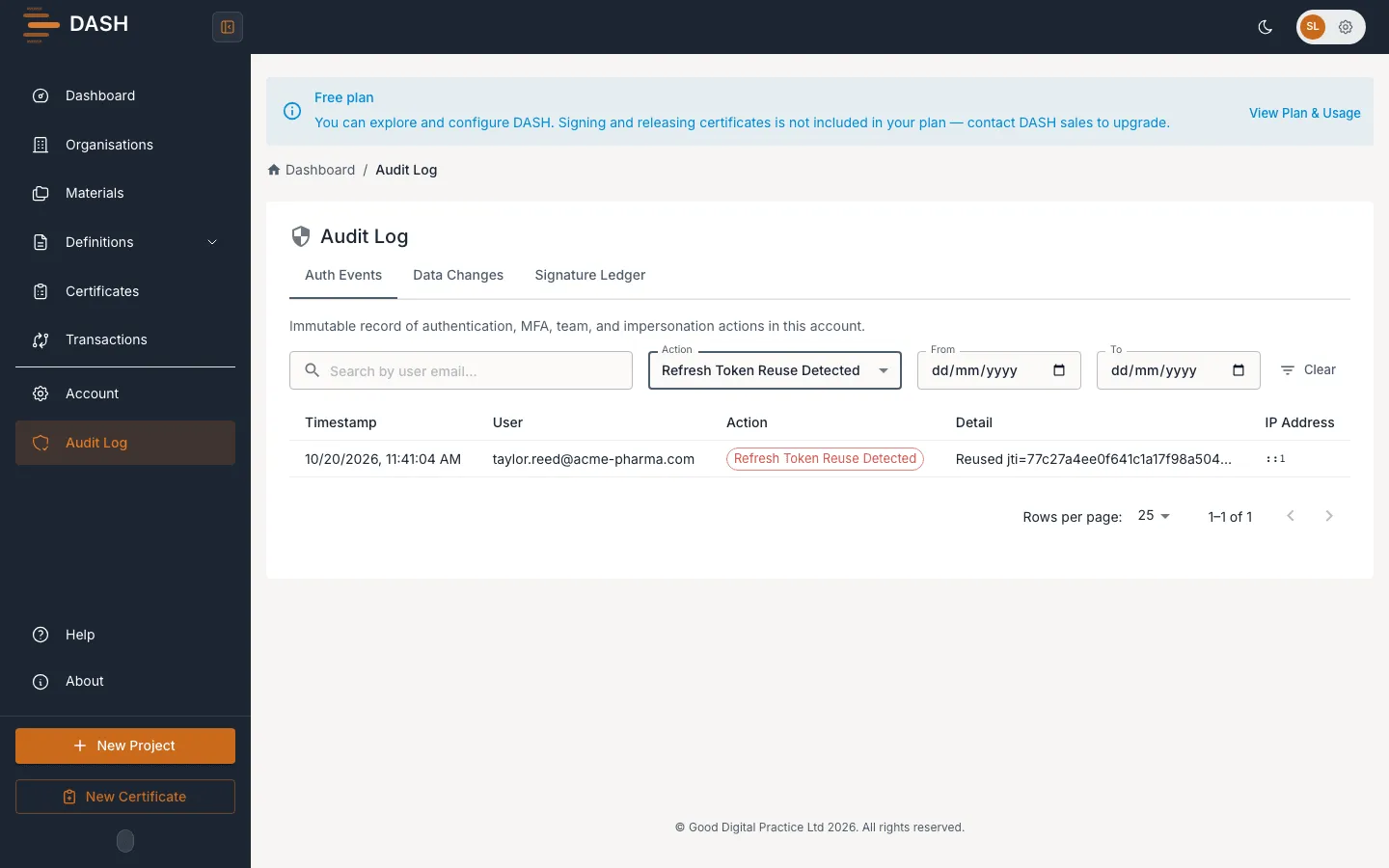
Section titled “Stolen-session protection”Each session renews itself with a one-time credential. If DASH sees an old credential used a second time, it treats this as a sign that someone has copied your session. It ends all your sessions everywhere, so the copy stops working too, and requires a fresh sign-in.
DASH records the event as Refresh Token Reuse Detected in the audit log. Account administrators can filter for it.
Good habits
Section titled “Good habits”- Sign out when you leave your desk, and always on a shared or public computer.
- Do not share your sign-in or leave DASH open on a screen others can use. Everything you do in DASH, including signing certificates, is recorded under your name.
- Add a second factor so a stolen password alone cannot open your account: see Multi-factor authentication overview.