Test with a sample
Before a map goes to work on real documents, test it against a sample. Uploading an example file lets you see exactly what each mapping produces — and lets you catch a mislabelled column or an empty property while it’s still cheap to fix.
Preview the mapped fields
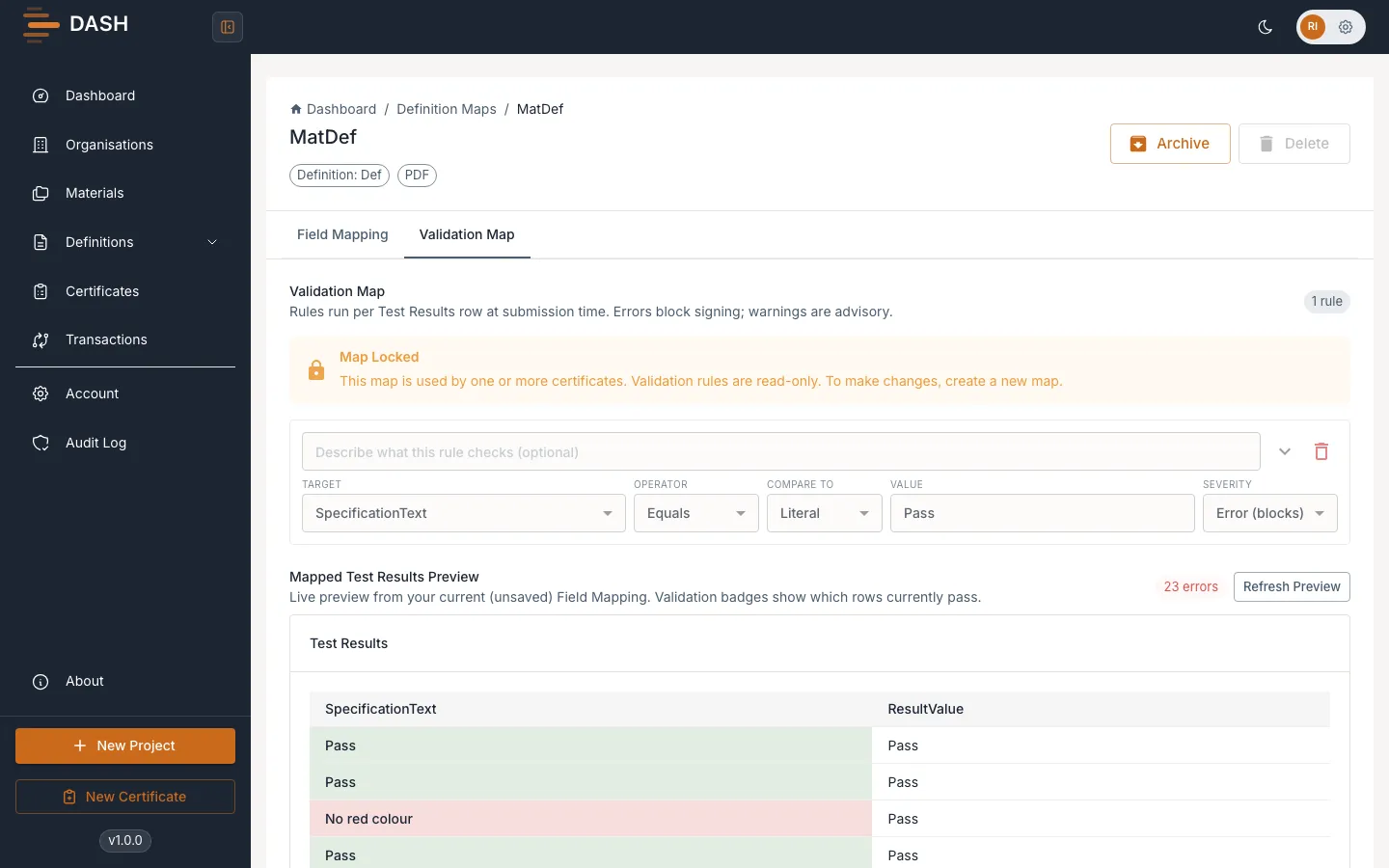
Section titled “Preview the mapped fields”- On the Field Mapping tab, upload a sample file (a CSV, Excel, PDF, XML or JSON that looks like your real documents).
- DASH analyses the file and shows the fields it detected and the values each mapping pulls out. For XML/JSON sources you’ll see how many fields were detected and how many mapping suggestions are available; use the sample-data view to see the underlying rows.
- Check each property against the sample values. Fix any mapping that reads the wrong field or comes back empty.
Preview mapped test results and validation
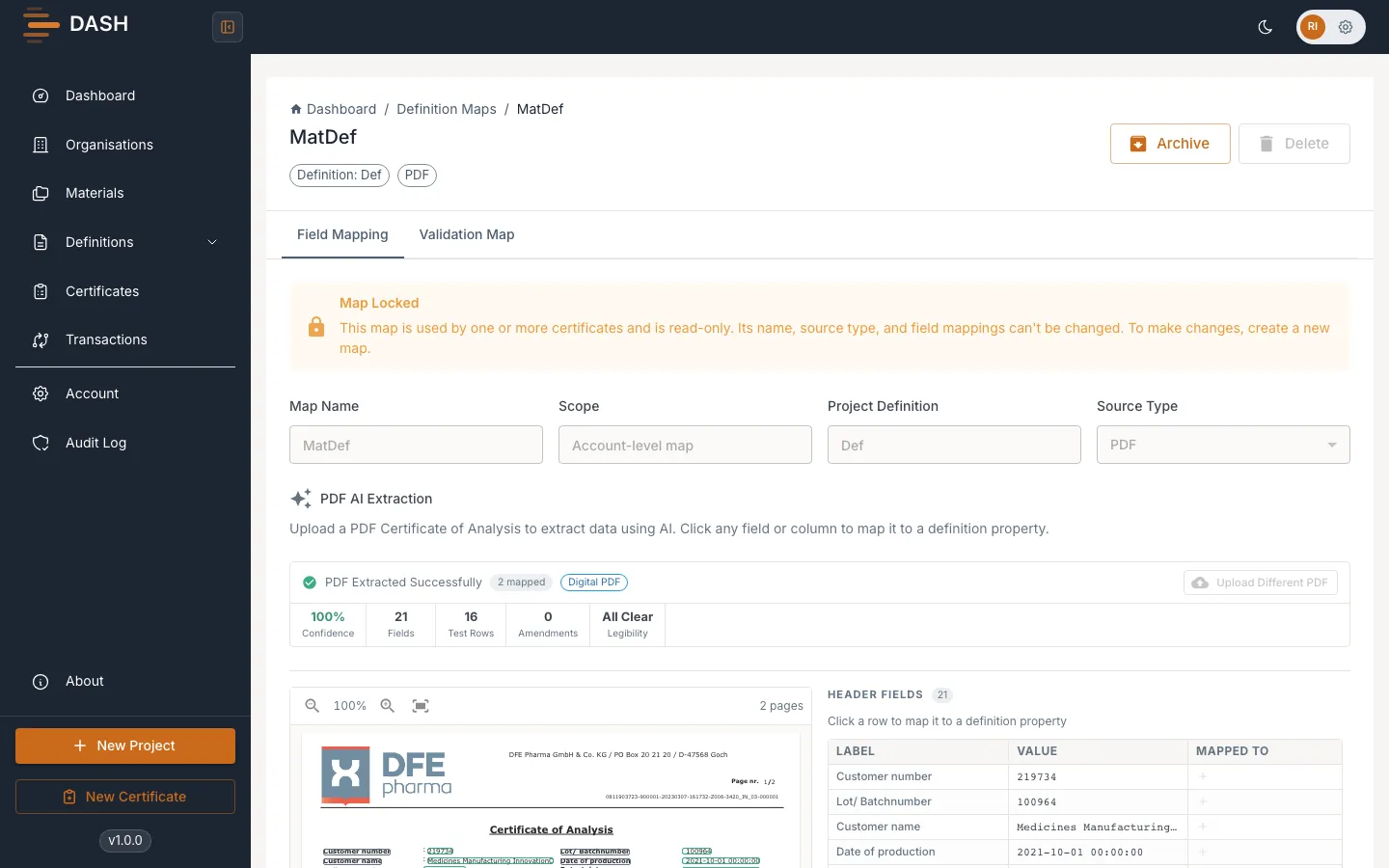
Section titled “Preview mapped test results and validation”To see how your repeating results and validation rules behave together, open the Validation Map tab and use the Mapped Test Results Preview. It runs against your current, unsaved field mappings and shows badges for the rows that pass. Select Refresh preview after any change to re-run it.