

Create & edit an organisation
Creating an Organisation takes one field: the name. DASH fills in everything else — a unique identifier, the creating user, the timestamp and an Active status — automatically. You can add more detail, such as metadata fields, afterwards.
Create an organisation
Section titled “Create an organisation”- Open Organisations from the main navigation to reach the All Organisations page.
- Select Add Organisation. The Create new Organisation dialog opens.
- Enter an Organisation name (required, up to 255 characters).
- Select Save.
The Organisation is created with Active status and you are taken straight to its record.
Edit an organisation
Section titled “Edit an organisation”- From the All Organisations list, open the Organisation you want to change.
- On the Organisation Info tab, update the Organisation Name or change the Status between Active and Inactive.
- Select Save Changes.
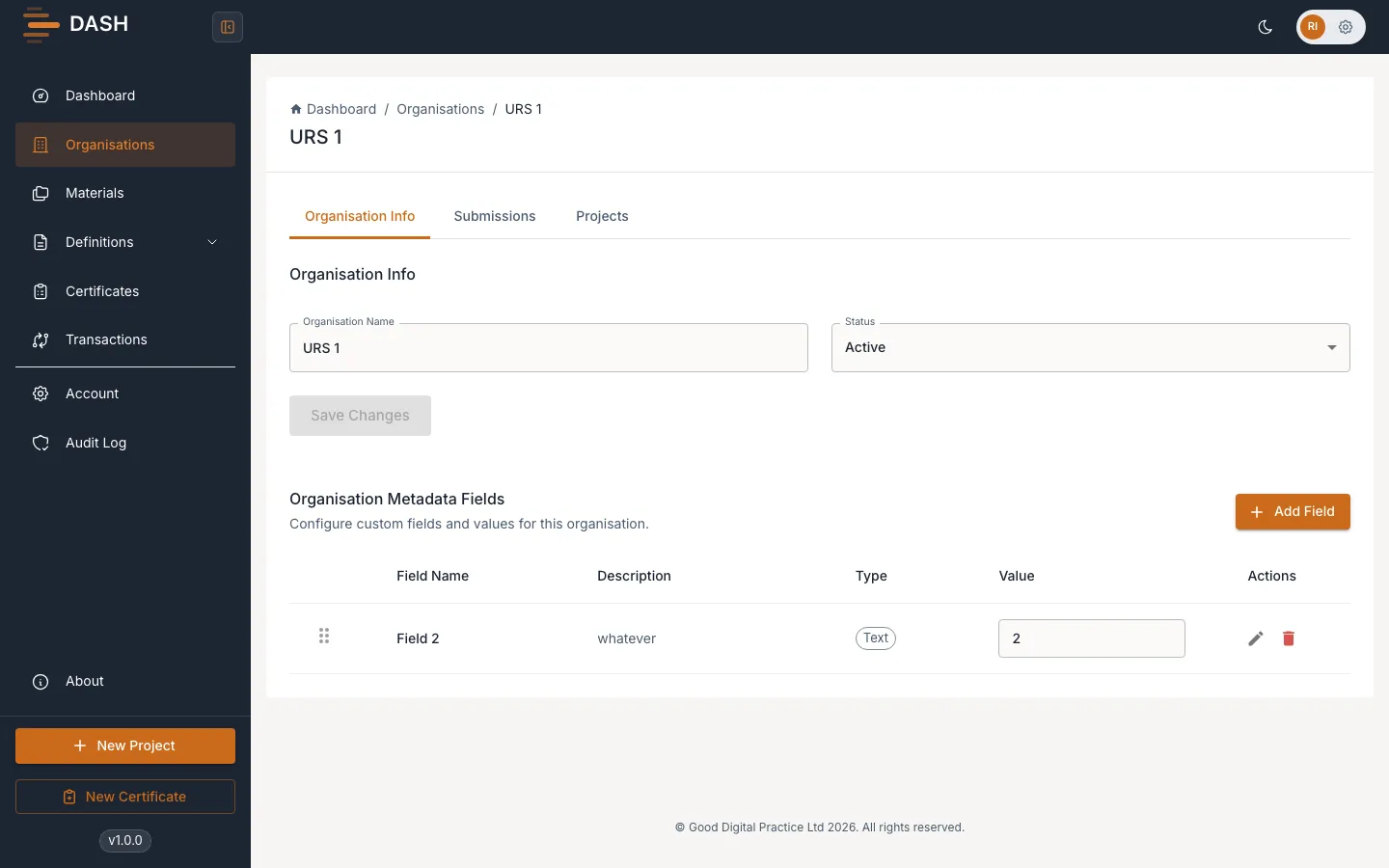
You’ll see Organisation saved successfully! once the change is stored. An Organisation has no fixed workflow, so you can toggle the status freely whenever you hold the update permission.