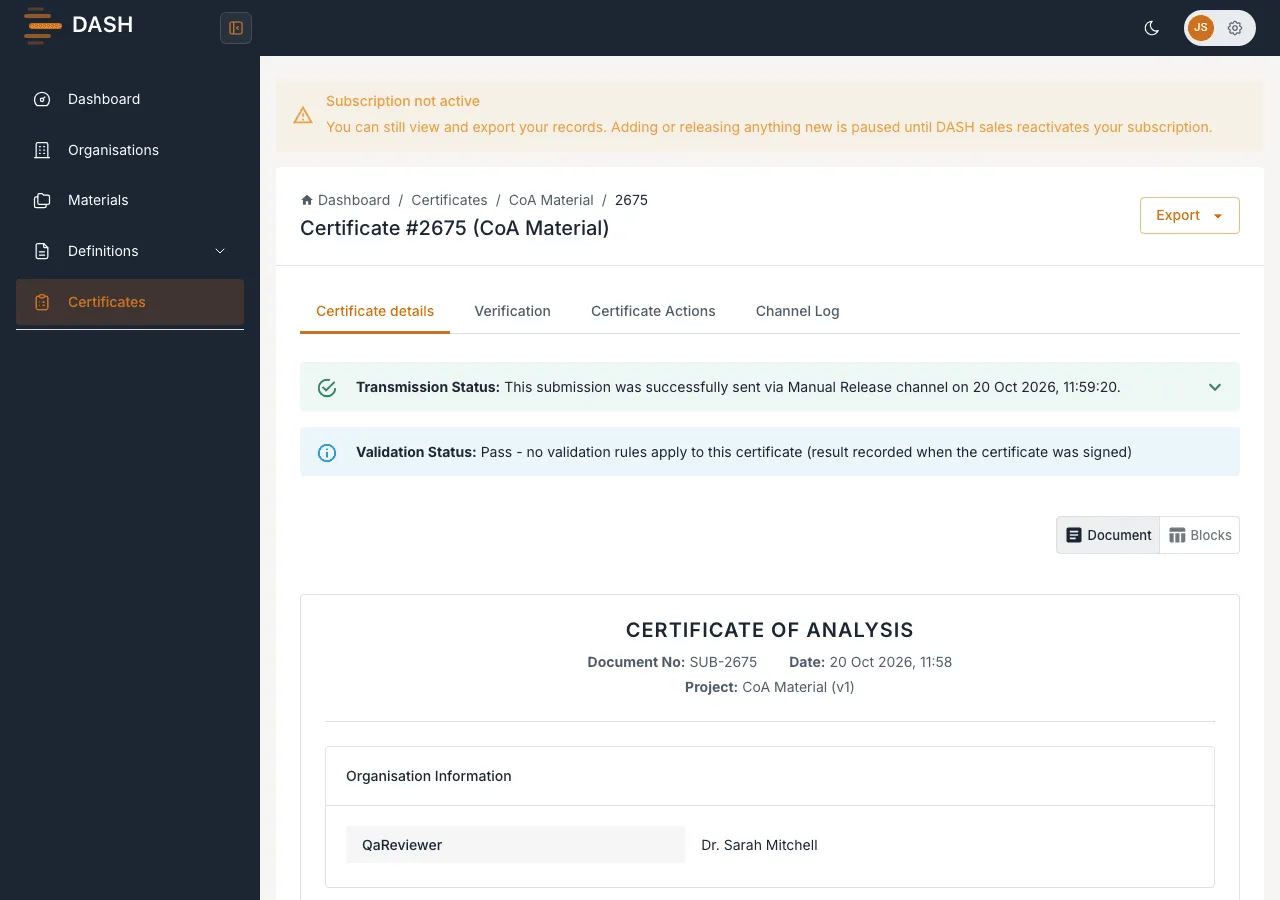
Subscription status
Your account’s subscription is always in one of three positions. Only DASH staff change it, as agreed with DASH sales or at the end of a contract term. While a subscription isn’t active, your account becomes read-only for anything new, but your records, your audit trail and every release already under way stay fully available.
The three positions
Section titled “The three positions”| Status chip | What it means |
|---|---|
| Active | Your account works as your plan allows. |
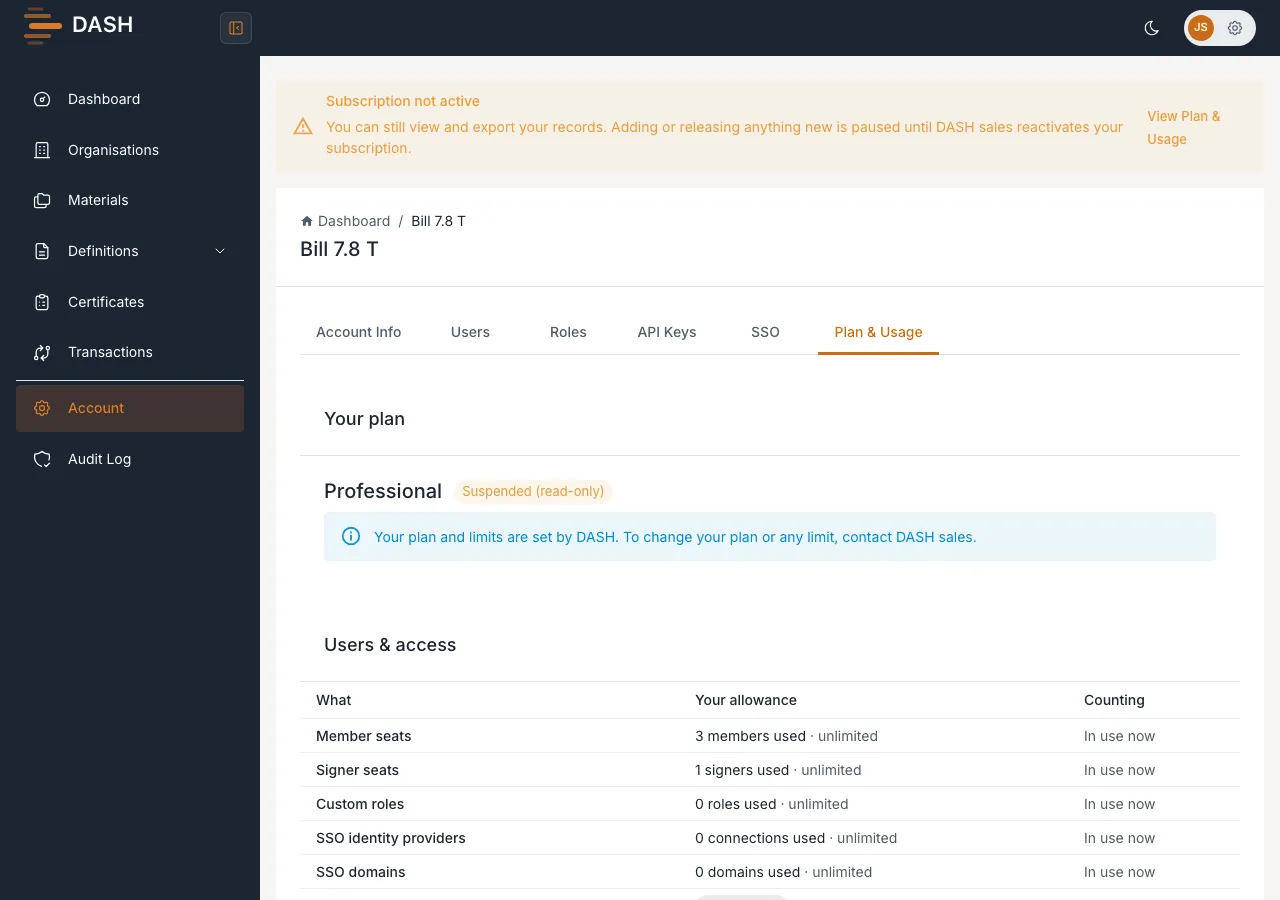
| Suspended (read-only) | Service is paused. You can read and export everything, but you can’t add anything new or begin a release. DASH can reactivate the subscription. |
| Ended | The subscription has ended. The same read-only rules apply as for a suspended subscription. |
At the end of a contract term, DASH acts as agreed for your account: it keeps the subscription, returns the account to the default Free plan, or suspends it.
How you know: the notice
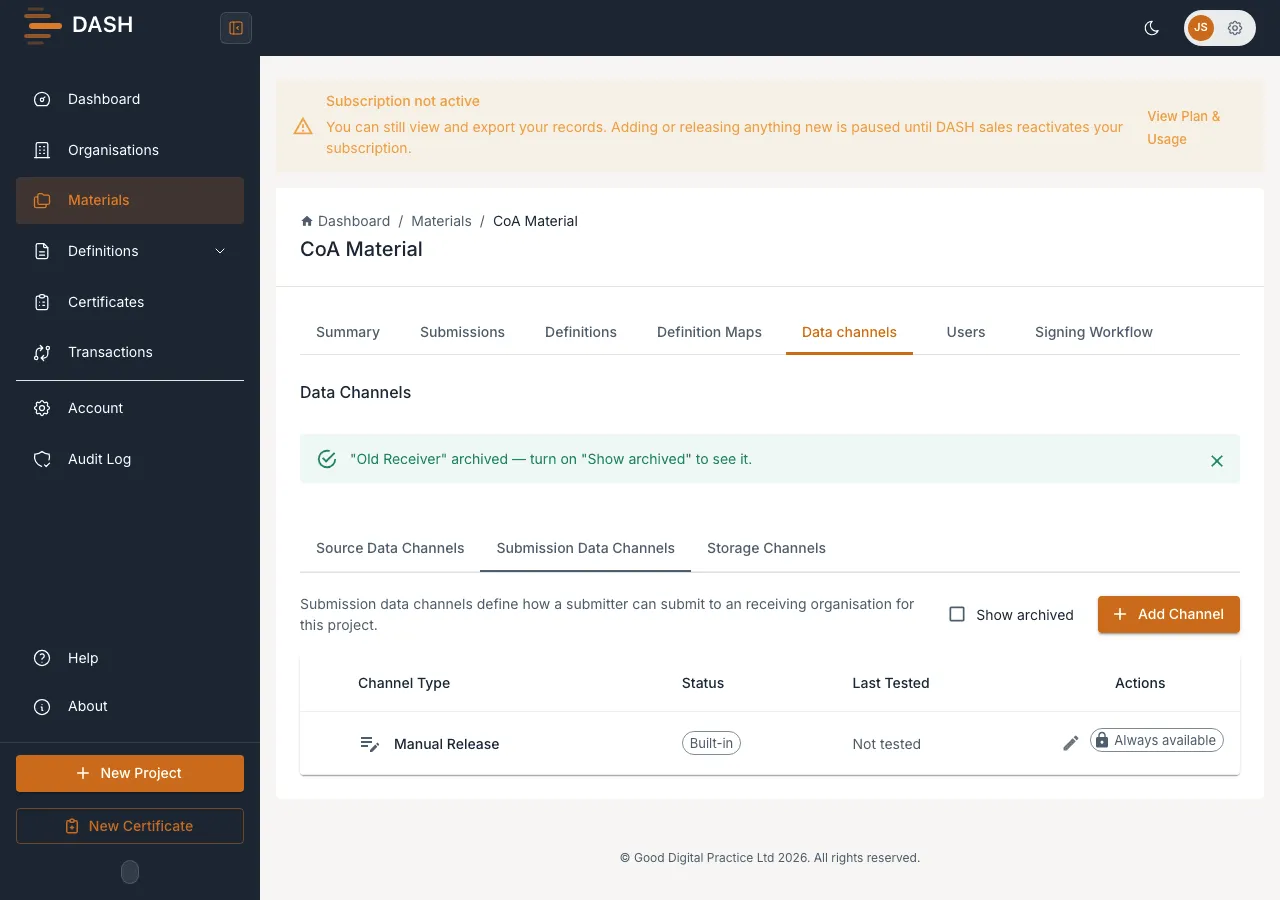
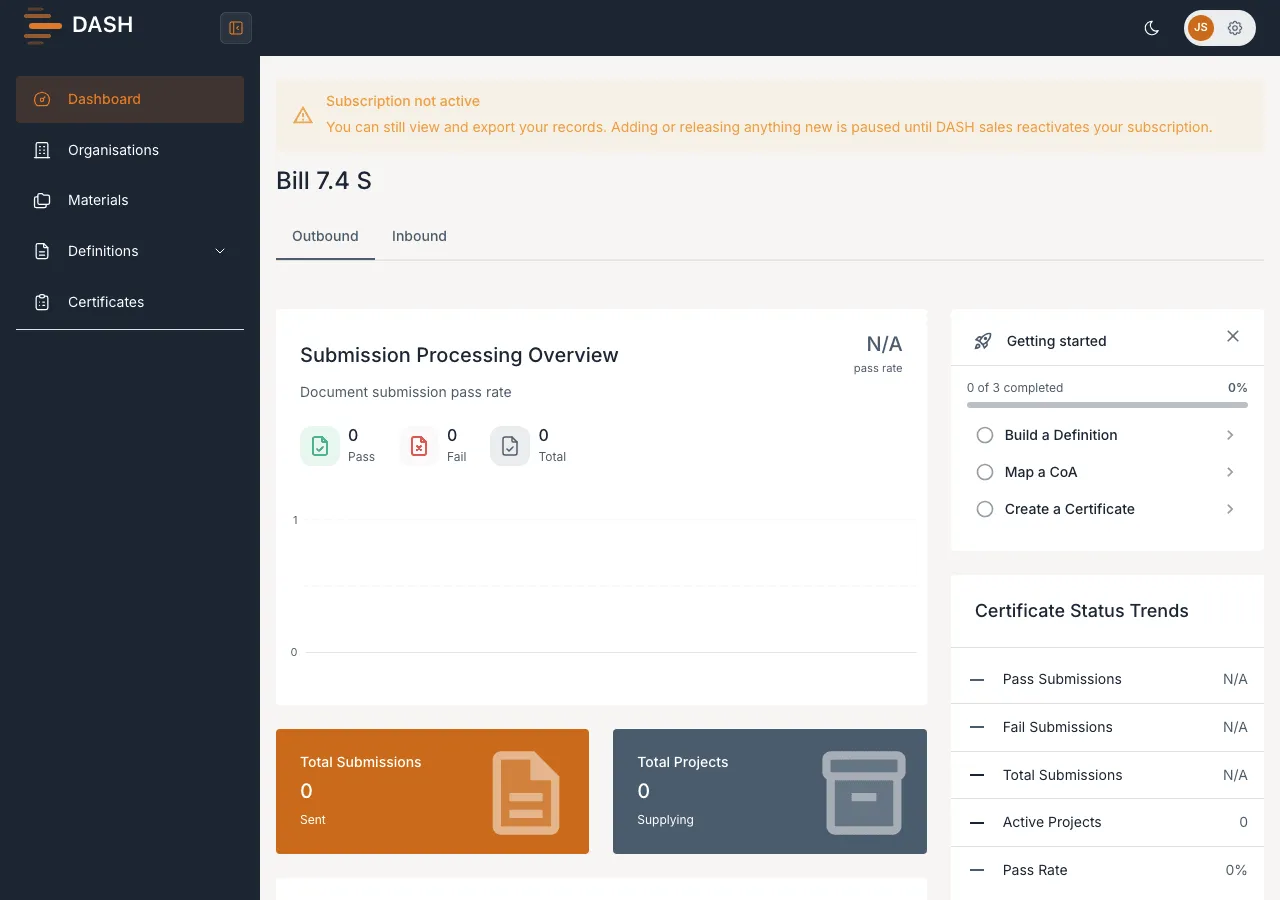
Section titled “How you know: the notice”While a subscription is suspended or ended, every member sees this notice at the top of every page: Subscription not active, “You can still view and export your records. Adding or releasing anything new is paused until DASH sales reactivates your subscription.” Account administrators also see View Plan & Usage.
What is paused
Section titled “What is paused”While the subscription is suspended or ended, DASH treats every feature as not included and refuses anything that adds to a limit or uses an allowance. In practice, you can’t:
- invite members, or create Materials, Organisations, Definitions, maps or certificates;
- begin a regulated release (preview the output, flag a date or apply a first signature);
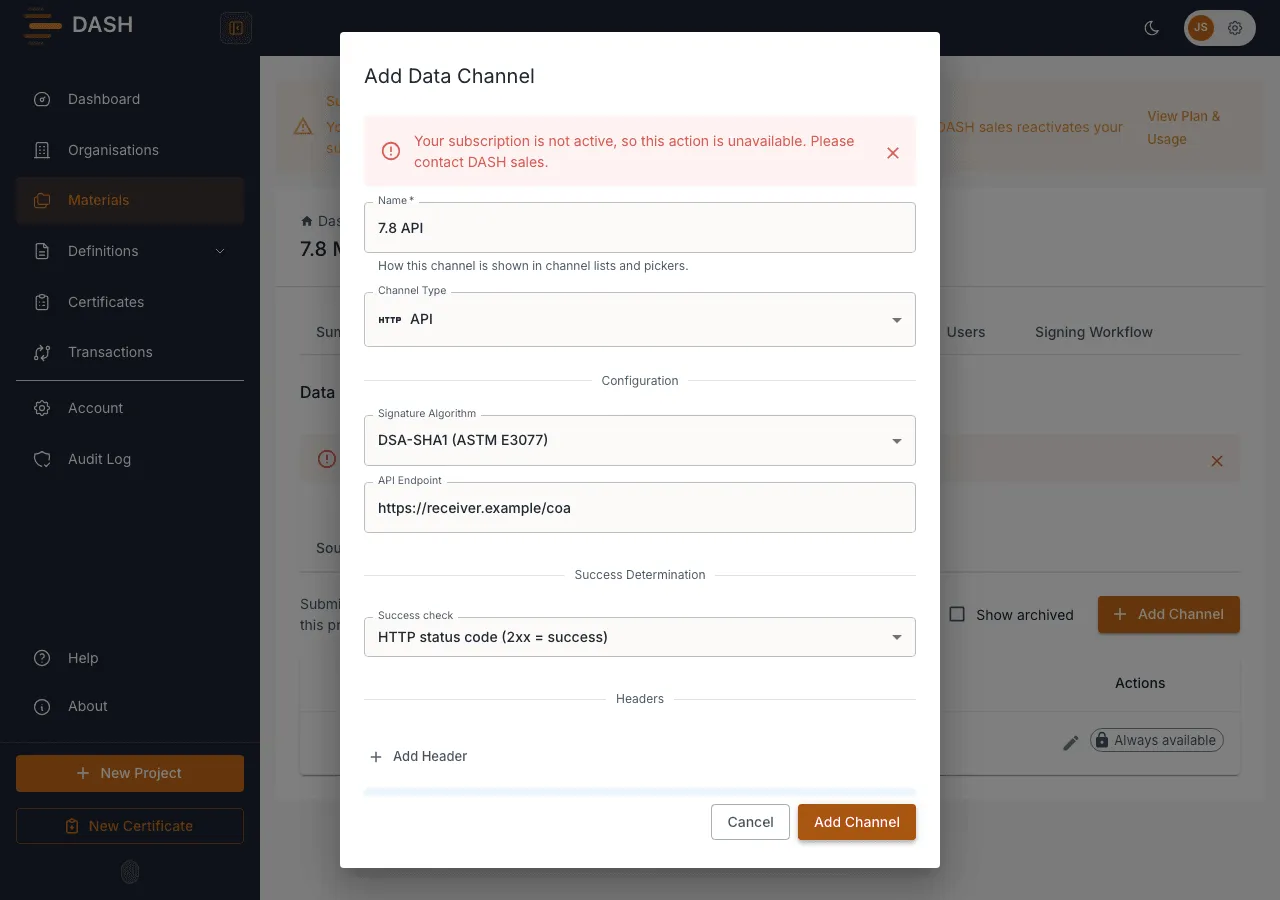
- create or edit a data channel, test its connection, restore an archived channel, poll, start or approve a dry run, change a source channel’s automation settings or applied map, or resume a channel;
- use the Analytics API, or create new API keys.
Each refusal reads “Your subscription is not active, so this action is unavailable. Please contact DASH sales.”
Scheduled polling of source channels also stops. The channels keep their settings and pick up where they left off once the subscription is active again. See Data channels overview.
What always stays available
Section titled “What always stays available”Whatever the subscription status, your plan or your usage, DASH never restricts:
- Signing in, including multi-factor authentication and the identity check at signing.
- Reading and exporting your account’s own records in DASH.
- The audit log, the signature ledger and seal verification. See Audit log.
- A release that has begun. If a certificate’s first signature was applied while the subscription was active, later signatures, submission, retries, sealing and delivery all go ahead.
- Actions that reduce usage: deactivating members, revoking API keys, archiving, removing or pausing items.
- Viewing Plan & Usage.