

Source data channels
A source channel is an inbound connection that DASH polls automatically for new documents. When a new document is found, DASH creates a certificate, ingests its data, and advances it to Awaiting approval — ready for a Quality Person to sign, exactly as with a manually created certificate.
This page covers what a source channel is and how to add one. For the full automation walkthrough — configuring polling, running a dry-run, and reviewing the certificates it creates — see Automated ingestion.
Supported source connectors
Section titled “Supported source connectors”A source channel polls one of these external systems:
- AWS S3 (and S3-compatible stores)
- A generic REST API
- Veeva Vault
- SharePoint
- Azure Blob Storage
The connector is chosen by the channel’s configured connector type. A channel whose configuration names no known connector type cannot be polled.
1. Add a source channel
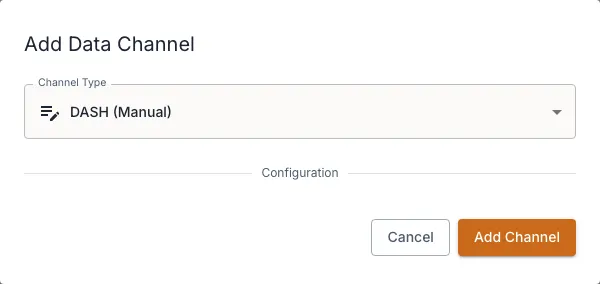
Section titled “1. Add a source channel”- Open the material and go to its Data Channels section.
- In the source group, add a channel and choose its connector type.
- Enter its configuration and credentials. See Enter credentials & test connectivity.
- Save the channel. It starts in pending mapping — it cannot poll until a definition map is pinned.
2. Make it ready to poll
Section titled “2. Make it ready to poll”A source channel needs two things before it can run automatically:
- A pinned definition map — this tells DASH how to interpret every document it ingests. Pinning a map moves the channel to pending dry-run approval.
- A poll interval and start point — how often to check and from which date to begin.
You then run a dry-run to preview the certificates the channel would create, and approve it to go live. The full sequence — including reviewing dry-run results and troubleshooting — is covered in Automated ingestion.
How ingested certificates flow
Section titled “How ingested certificates flow”For each new document a source channel discovers, DASH:
- Creates a certificate and de-duplicates it against documents it has already ingested.
- Ingests the document’s data using the pinned definition map.
- Advances the certificate to Awaiting approval.
From there, human sign-off and submission proceed exactly as for a manual certificate. See Certificates overview.