

Attribute mapping
When someone signs in with SSO, your identity provider sends DASH a set of details about them: their email address, their name and, often, their groups. Each provider labels these details in its own way. Attribute mapping tells DASH which label to read for each one. Most providers work without any mapping at all.
Leave it blank to use the standard names
Section titled “Leave it blank to use the standard names”Each field under Attribute mapping shows, in grey, the standard name DASH reads when you leave it blank. As the dialog says: “Leave a field blank to use the standard name shown.”
- For OpenID Connect, DASH reads the standard OIDC names:
email,given_name,family_nameandgroups. - For SAML 2.0, DASH also tries the other common names providers use, including the long URL-style names Microsoft Entra ID sends. If no email attribute is found, it uses the NameID when that is an email address.

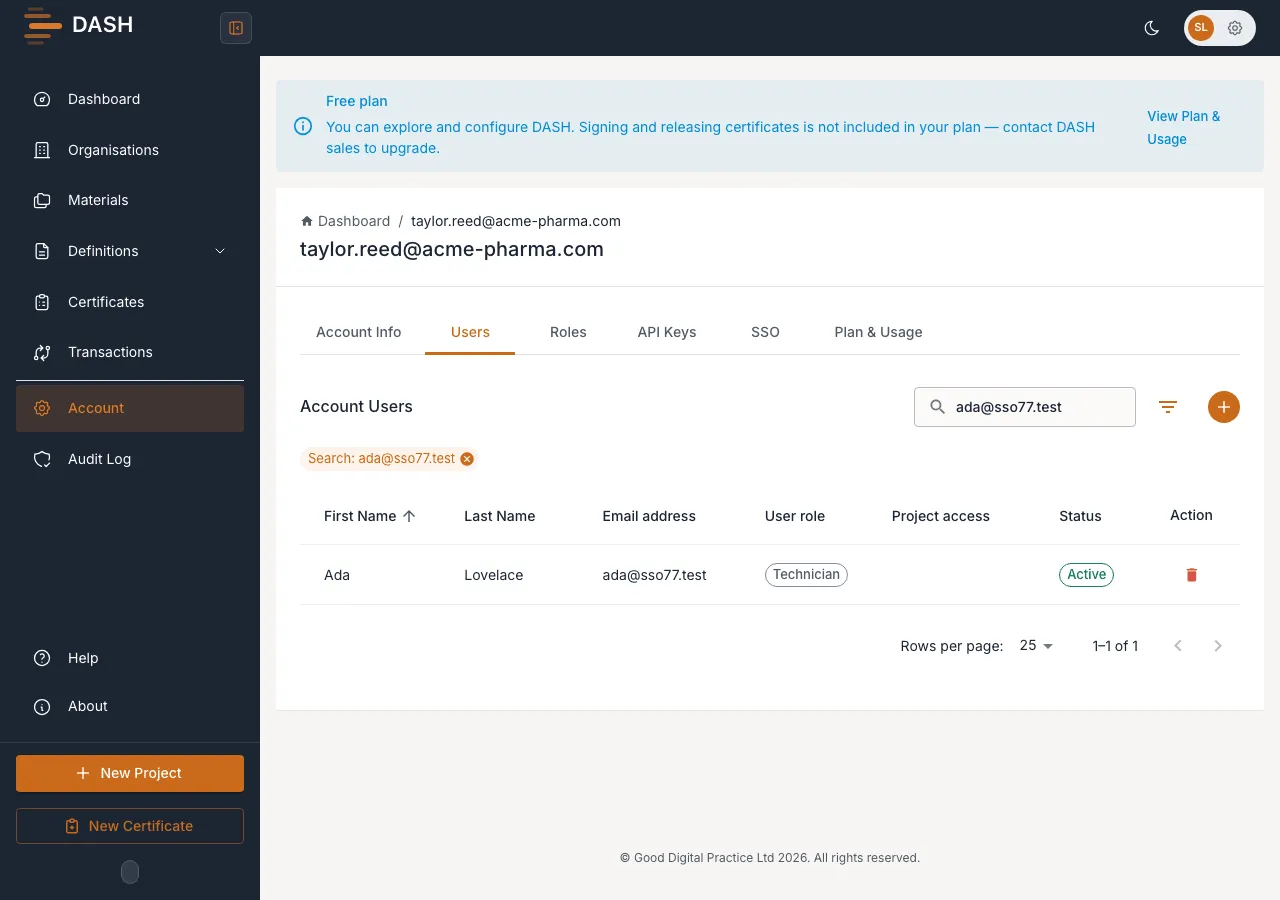
With the mapping blank, a person whose provider sends the standard names is created with their details filled in correctly.
Set a custom mapping
Section titled “Set a custom mapping”- Go to Account → SSO and open the connection with the edit (pencil) icon.
- Under Attribute mapping, type the name your provider uses in any field that differs from the
standard:
- Email address: the person’s email address. DASH uses this to identify them.
- Given name: their first name.
- Family name: their last name.
- Group membership: their groups, used for Group-to-role mapping.
- Select Save. DASH shows “SSO connection updated”. Leave the other fields blank.
A custom name replaces the standard name for that field: DASH reads only the name you typed.

The same fields appear for SAML 2.0 connections. There, the dialog asks where in your identity provider’s assertion (rather than token) to read each value.

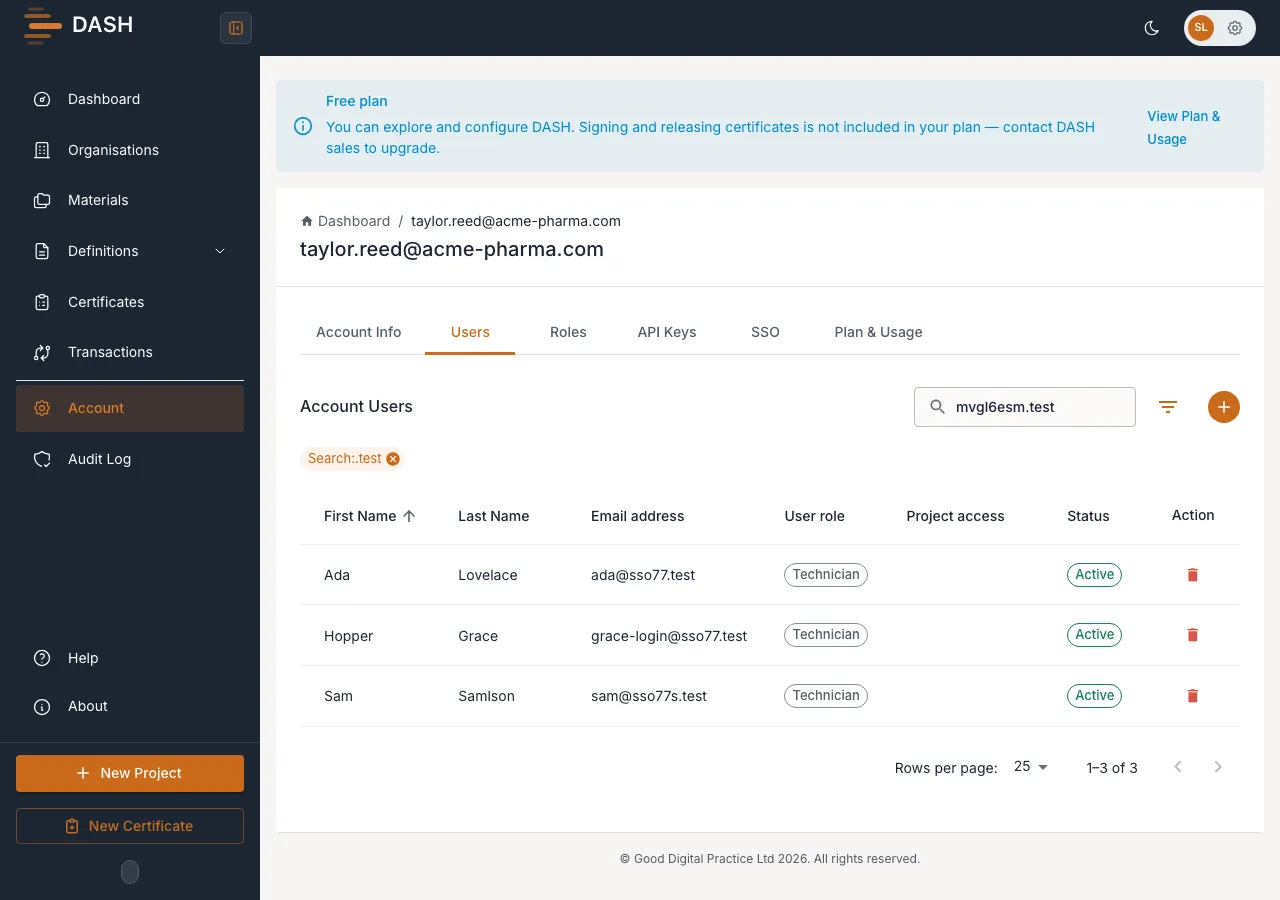
The next time people sign in, DASH reads their details from the names you set. Names are refreshed from your identity provider at every SSO sign-in, so a name change there reaches DASH the next time the person signs in.
A usable email address is required
Section titled “A usable email address is required”DASH identifies every person by their email address, and every record they create is attributed to it. If the detail DASH reads for Email address is missing or isn’t an email address (for example a username), DASH refuses the sign-in and creates or joins nobody. The person sees “Your identity provider did not share a usable email address, so you could not be signed in. Ask your administrator to check the single sign-on attribute mapping.”
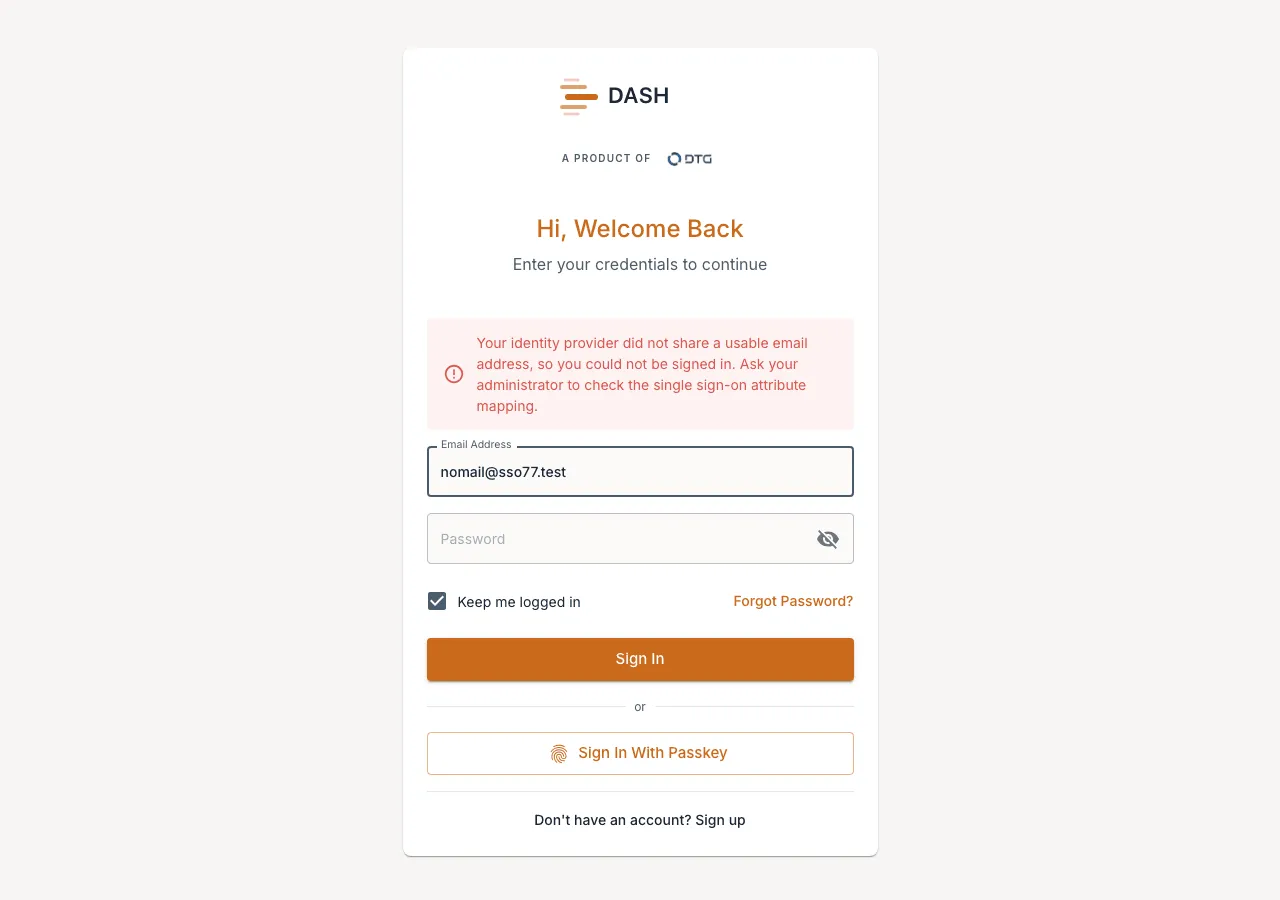
The refusal is recorded in the Audit Log as SSO Login Denied, with the reason “no usable email”. Check the Email address mapping, and check that your provider sends an email address for that person.