

Dashboard & analytics
The dashboard is your at-a-glance view of certificate activity across the account. It combines summary counts, a processing trend chart, a status breakdown, recent certificates and your busiest materials, so you can spot problems and confirm throughput without digging through lists.
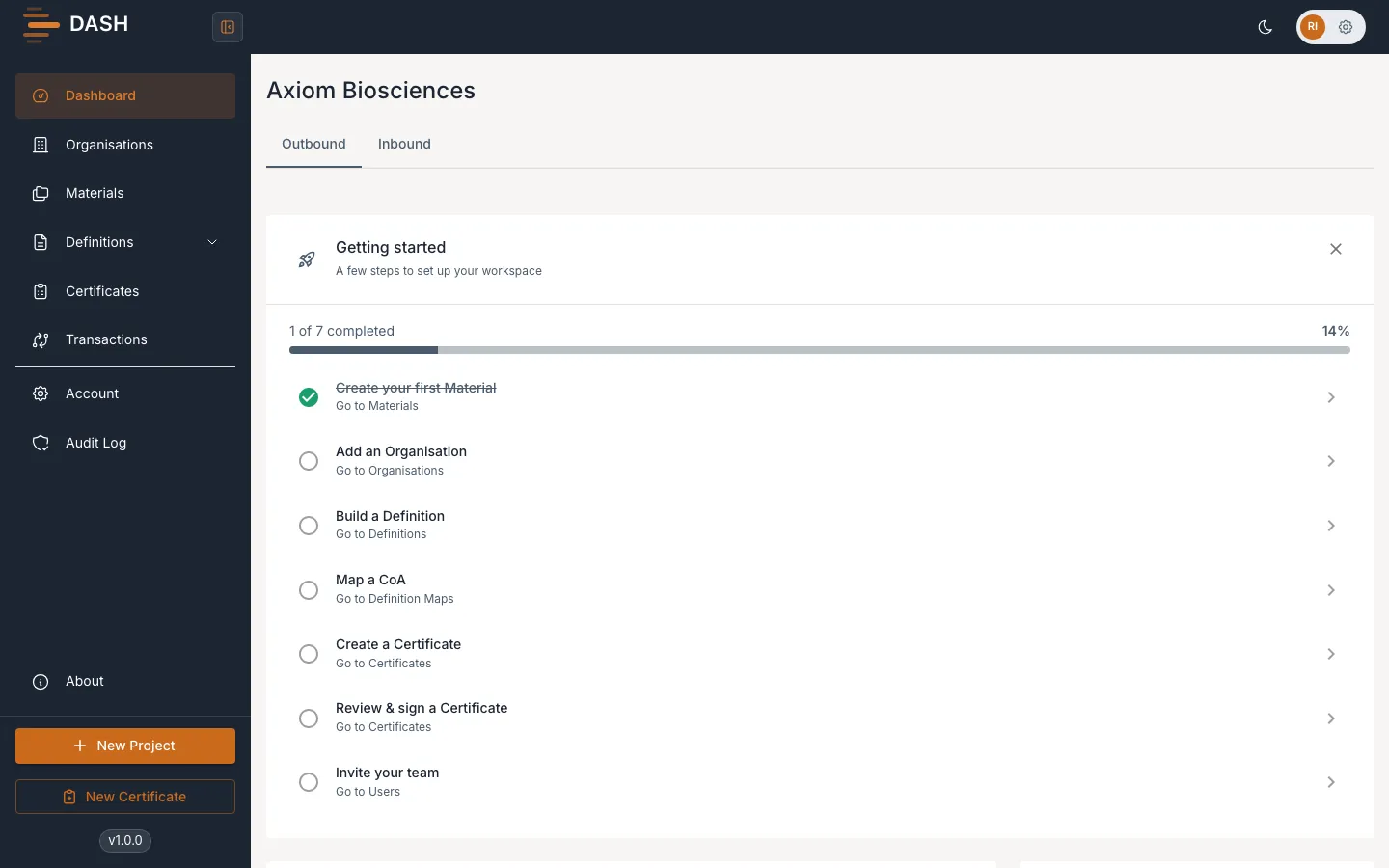
Switch between Outbound and Inbound
Section titled “Switch between Outbound and Inbound”At the top of the dashboard, the Outbound and Inbound tabs switch the whole page between the certificates you send and the certificates you receive. Outbound is selected by default. All the cards, charts and tables below update to match the tab you choose.
Summary cards
Section titled “Summary cards”- Total Submissions — the total number of certificates, labelled Sent on the Outbound tab or Received on the Inbound tab.
- Total Projects — the number of materials involved, labelled Supplying (Outbound) or Receiving (Inbound).
- Certificate Status Trends — a compact panel of key figures: Pass Submissions, Fail Submissions, Total Submissions, Active Projects and Pass Rate, each with an up, down or neutral indicator so you can see the direction of travel.
Submission Processing Overview
Section titled “Submission Processing Overview”The Submission Processing Overview chart plots your Pass and Fail submissions over time, with the Document submission pass rate called out above it. The legend shows running Pass, Fail and Total counts. Use it to watch your success rate trend — a rising fail count usually means a mapping or validation problem worth investigating.
Recent Certificates
Section titled “Recent Certificates”The Recent Certificates table lists the latest certificates with their Date & Time, Status, Material, Definition, the other organisation (Receiving on Outbound, Submitting on Inbound) and the Channel used. Status shows as a badge such as Pass, Fail, Pending, Approved or Draft. If nothing has been processed yet you will see No certificates found.
Top Materials by Certificates
Section titled “Top Materials by Certificates”The Top Materials by Certificates panel ranks your busiest materials by certificate count, so you can see where activity is concentrated. Select View All Materials to open the full list.