

Retry a failed certificate
If a certificate stops in a failed state, you do not have to start over. Retrying resumes the pipeline from the stage that failed, so the work already done is preserved.
What each failure means
Section titled “What each failure means”| Failed status | What went wrong | How to recover |
|---|---|---|
| Ingest failed | The uploaded or polled file could not be parsed. | The certificate is still editable — fix the source file or definition map, then re-upload / re-ingest. |
| XML failed | The output XML could not be generated. | Retry; the pipeline resumes at XML generation. |
| Validation failed | An error-severity validation rule failed in the pipeline. | Fix the data or the rule, then retry. See Validation failures. |
| Submit failed | Transmission to the submission channel failed. | Check the channel’s credentials and connectivity, then retry. |
1. Open the certificate
Section titled “1. Open the certificate”Open the failed certificate from the Certificates list. The record shows the failure and the reason — expand the transmission or validation banner on the Certificate details tab to read the error message.
2. Fix the underlying cause
Section titled “2. Fix the underlying cause”Retrying repeats the same step, so fix the cause first:
- Ingest failed — re-check the source file matches the definition map, or correct the map.
- Validation failed — correct the offending value or adjust the rule.
- Submit failed — a channel authentication or connectivity problem is the usual cause. Test the channel — see Enter credentials & test connectivity and Data channel troubleshooting.
3. Retry
Section titled “3. Retry”- On the certificate record, select Retry Channel Submission (shown when a submission stage has failed). DASH resumes the pipeline from the failed stage and shows Submitting while it runs.
- For a failed storage push, use the per-channel Retry control in the storage results so you re-attempt only the channel that failed, not the whole submission.
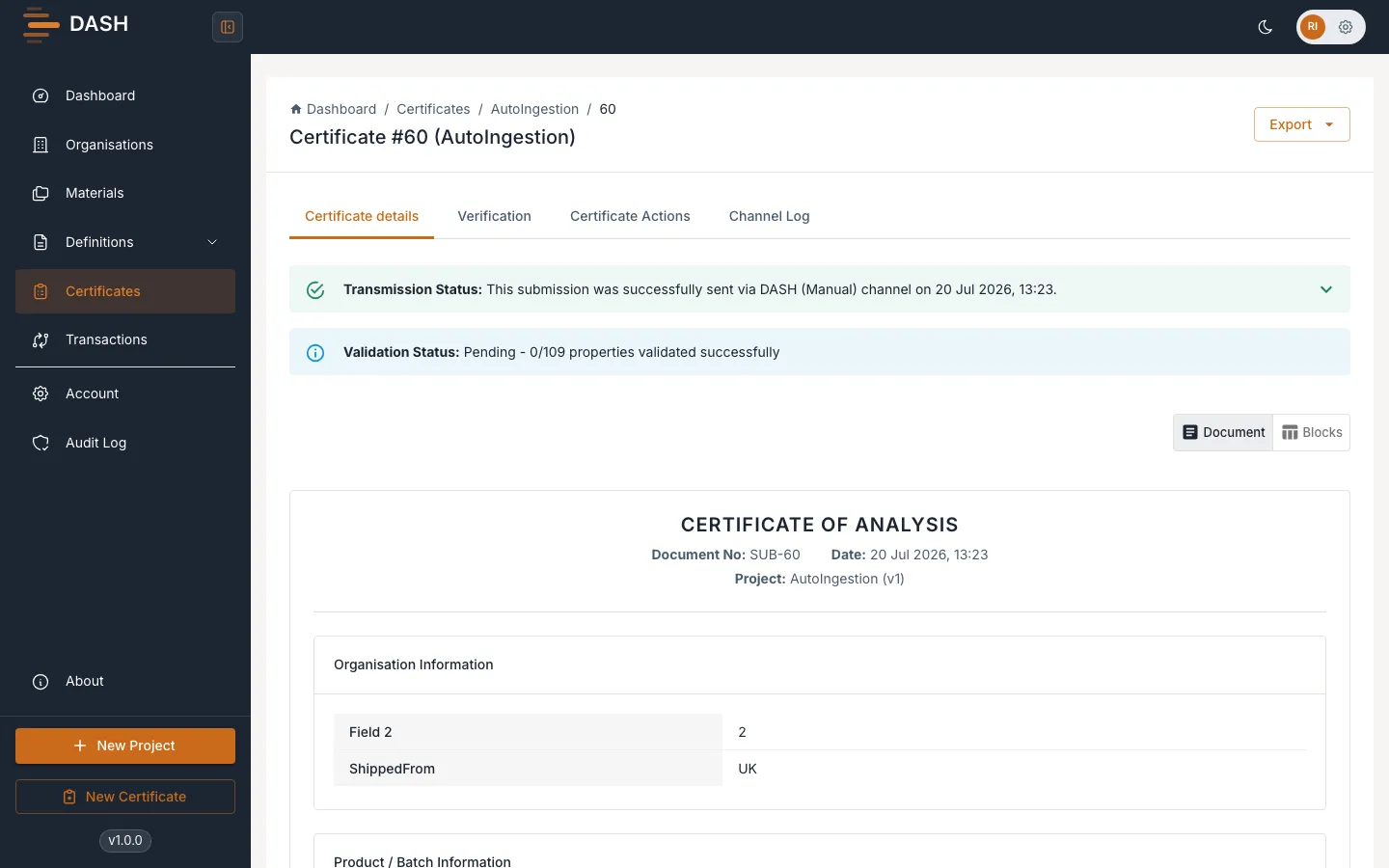
When the retry succeeds the certificate reaches Pass.