

Subscription & billing
DASH is billed by subscription tier, with an allowance of transactions included each period and a small per-transaction charge if you go over. This page explains the plan, the difference between trial and paid accounts, and where to manage it all.
Trial vs paid accounts
Section titled “Trial vs paid accounts”Every new account starts on a trial. On a trial you can explore and configure the whole platform — organisations, materials, definitions, maps and draft certificates — but a few release actions are held back until you upgrade:
- Generating XML for a certificate.
- Signing a certificate.
- Submitting a certificate to an external channel.
- Configuring an API data channel for a material.
Attempting any of these on a trial shows: “This feature is not available on a trial account. Please upgrade your subscription.” Upgrading unlocks them, subject to your role. See Trial limits.
Tiers and what “a transaction” means
Section titled “Tiers and what “a transaction” means”Paid plans come in three tiers, each billed quarterly with a bundle of included transactions and a per-transaction rate beyond that:
| Tier | Quarterly fee | Included transactions | Per extra transaction |
|---|---|---|---|
| Business | £3,000 | 100 | £30 |
| Business Plus | £8,400 | 300 | £28 |
| Enterprise | £13,000 | 500 | £26 |
A transaction is one submitted certificate. It is counted once, when it first submits successfully — retrying or re-submitting the same certificate never counts again, so you are never billed twice for the same piece of work.
Usage, included allowance and overage
Section titled “Usage, included allowance and overage”Your Billing tab shows a usage meter for the current period: how many transactions you have used against your included allowance.
- Transactions within your allowance are covered by the quarterly fee.
- Transactions over the allowance are charged at your tier’s per-transaction rate and appear as a single combined line on your invoice, alongside the subscription fee.
- Your usage count is preserved for each period for audit — it is not wiped when a new period starts.
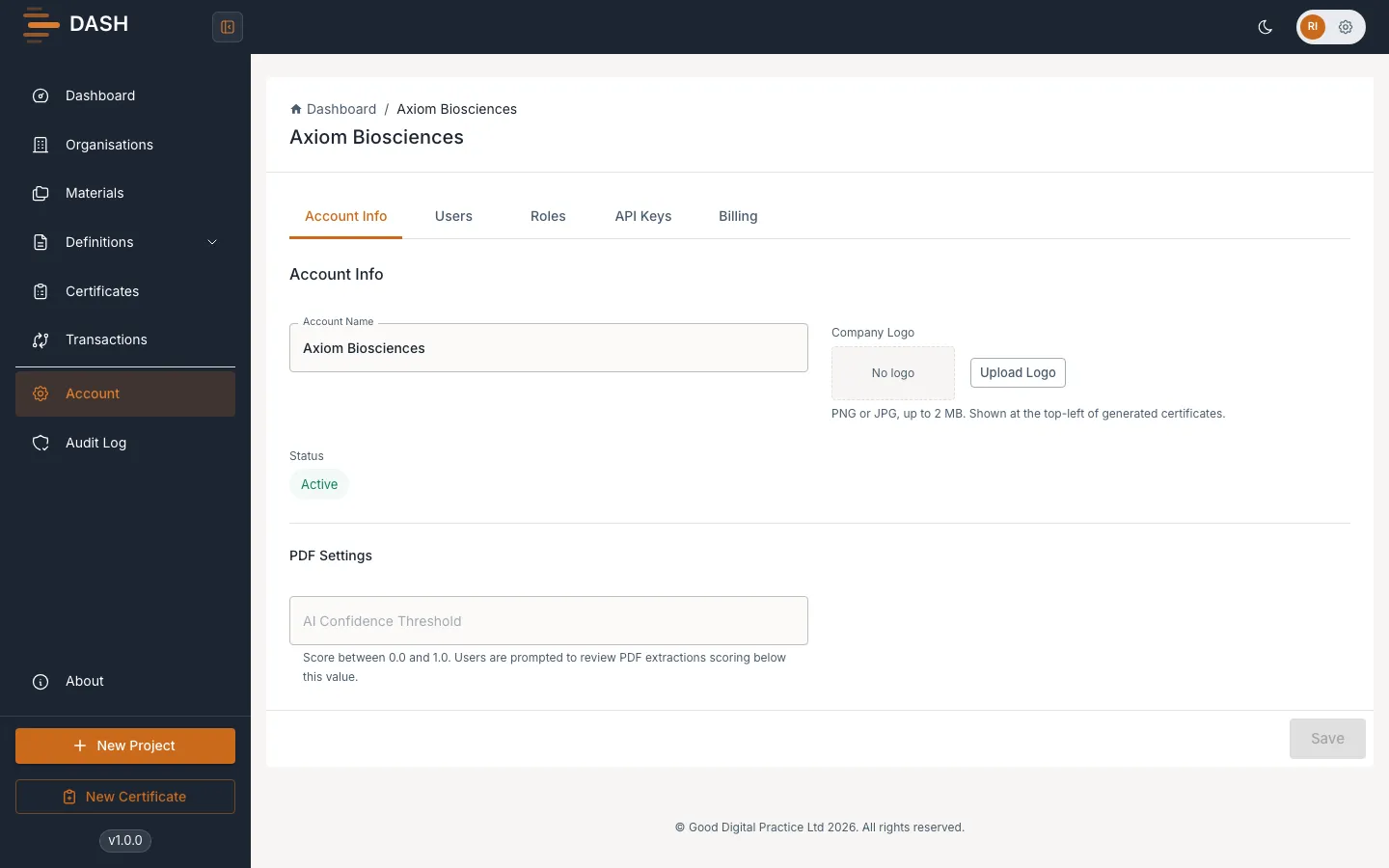
View and manage billing
Section titled “View and manage billing”- Open Account from the sidebar and select the Billing tab.
- From here you can review your current plan, your usage for the period, and open the secure payment portal to update payment details or invoices.
- To change tier, choose the plan you want:
- Upgrading takes effect immediately, and your included allowance for the current period goes up straight away.
- Downgrading is deferred — it applies at the start of your next billing period, so a downgrade never retroactively pushes you into overage.